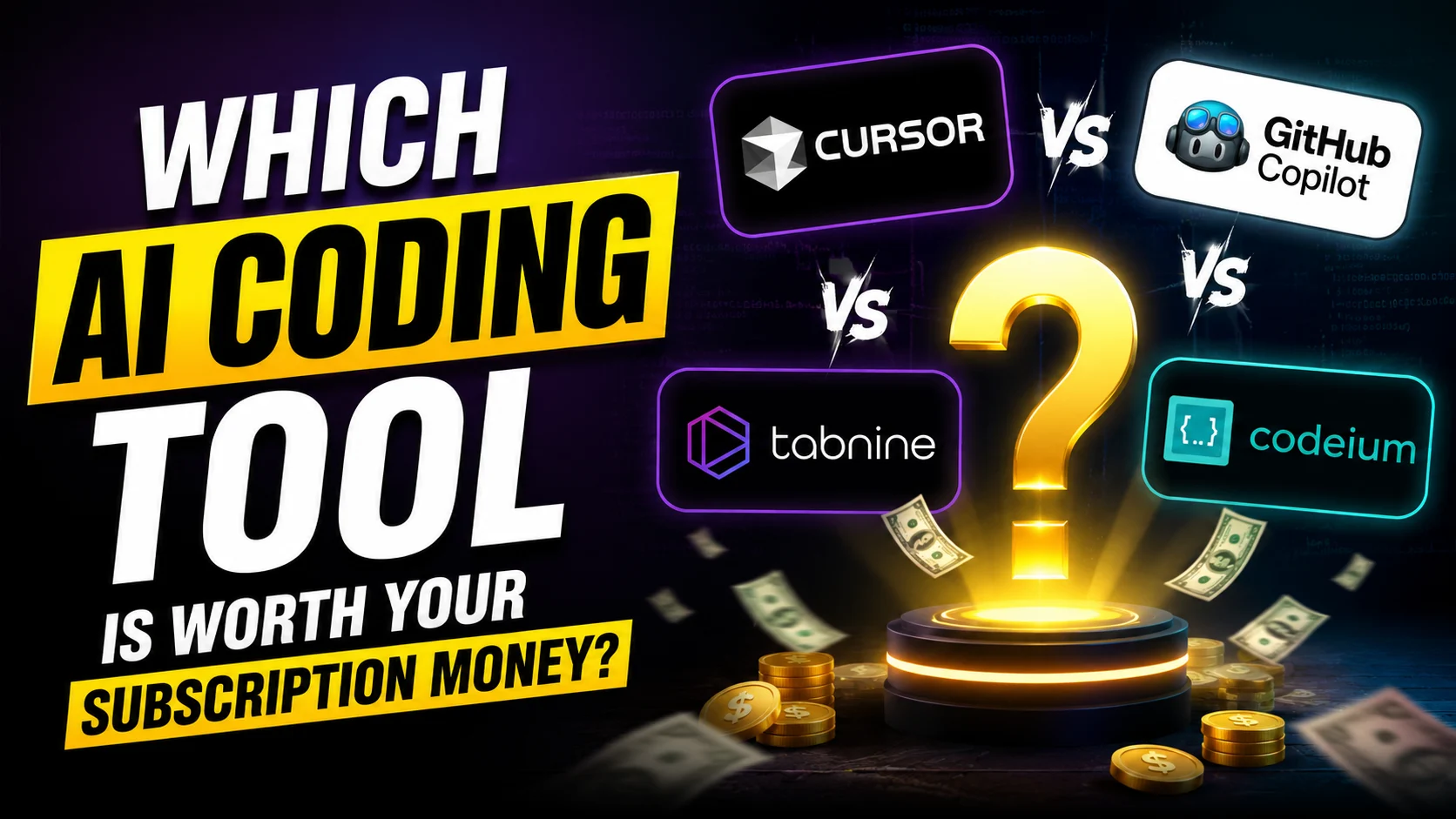
If you are trying to decide which tool is worth your subscription money, the answer depends entirely on your workflow, your budget, and whether you want an AI that just auto-completes code or an AI that acts like a senior co-developer.
Here is a breakdown of the three dominant tools and how they compare.
1. Cursor: The Market Leader for Agility

Cursor is a VS Code fork with AI deeply embedded into every interaction. The philosophy behind Cursor is “AI inside your editor”—you are still driving, but the AI is seamlessly integrated to make every action faster.
- Pricing: Pro plan is $20/month. Business plan is $40/user/month.
- Key Features: Cursor’s standout feature is Composer, an agent-driven multi-file editing tool. It also boasts incredible tab autocomplete that can generate entire function bodies while respecting surrounding code style.
- Best For: Solo developers, startups, and professional full-stack engineers who ship features daily and want maximum AI integration. It is the best choice if you value multi-file refactoring and the fastest possible completions.
- The Catch: The free tier caps at 2,000 completions per month, and the premium model credit system means heavy users might burn through their fast tier quickly.
2. GitHub Copilot: The Enterprise Standard
GitHub Copilot remains the enterprise standard, offering deep integration with the Microsoft ecosystem and essential legal protections.
- Pricing: Moving to usage-based billing in June 2026. The Individual plan remains $10/month (including $10 in AI credits). Business is $19/user/month, and Enterprise is $39/user/month.
- Key Features: Copilot offers deep Visual Studio Code and JetBrains integration. Its single-line completions are the most reliable, and it excels with less common languages (like Elixir or Haskell) due to its massive training dataset. Crucially for enterprises, it offers IP indemnity (legal protection if AI-generated code creates liability).
- Best For: Teams on GitHub Enterprise, beginners, and developers who primarily want excellent autocomplete without the steeper learning curve of an agentic IDE.
- The Catch: It is less autonomous than Cursor or Windsurf and has weaker multi-file editing capabilities. The impending shift to usage-based billing means heavy users will need to monitor their token consumption.
3. Windsurf: The Agentic Value Play
Windsurf (formerly Codeium) positions itself as an AI-native editor where the boundary between you typing and the AI typing is intentionally blurred.
- Pricing: The free tier includes unlimited AI completions and the Cascade agent. Pro is $15/month, and Team is $30/user/month.
- Key Features: Windsurf’s Cascade agentic engine is its standout feature. It can autonomously scaffold entire features, run terminal commands, install dependencies, and debug errors with minimal hand-holding.
- Best For: Budget-conscious developers, indie hackers, and anyone wanting to test agentic coding without a large financial commitment.
- The Catch: While it offers excellent value, Windsurf occasionally struggles with complex generics and template metaprogramming, and its completions can sometimes ignore conventions established earlier in the file.
Explore the features of these tools side-by-side to find the right fit for your workflow:
Key Takeaway: If budget is no constraint and you want the most powerful multi-file editing, choose Cursor. If you need enterprise compliance or are a beginner, stick with GitHub Copilot. If you want agentic capabilities and unlimited completions on a budget, Windsurf is the clear winner.
Also Read ChatGPT vs Claude vs Gemini (2026): Which AI Subscription Is Actually Worth Your Money?