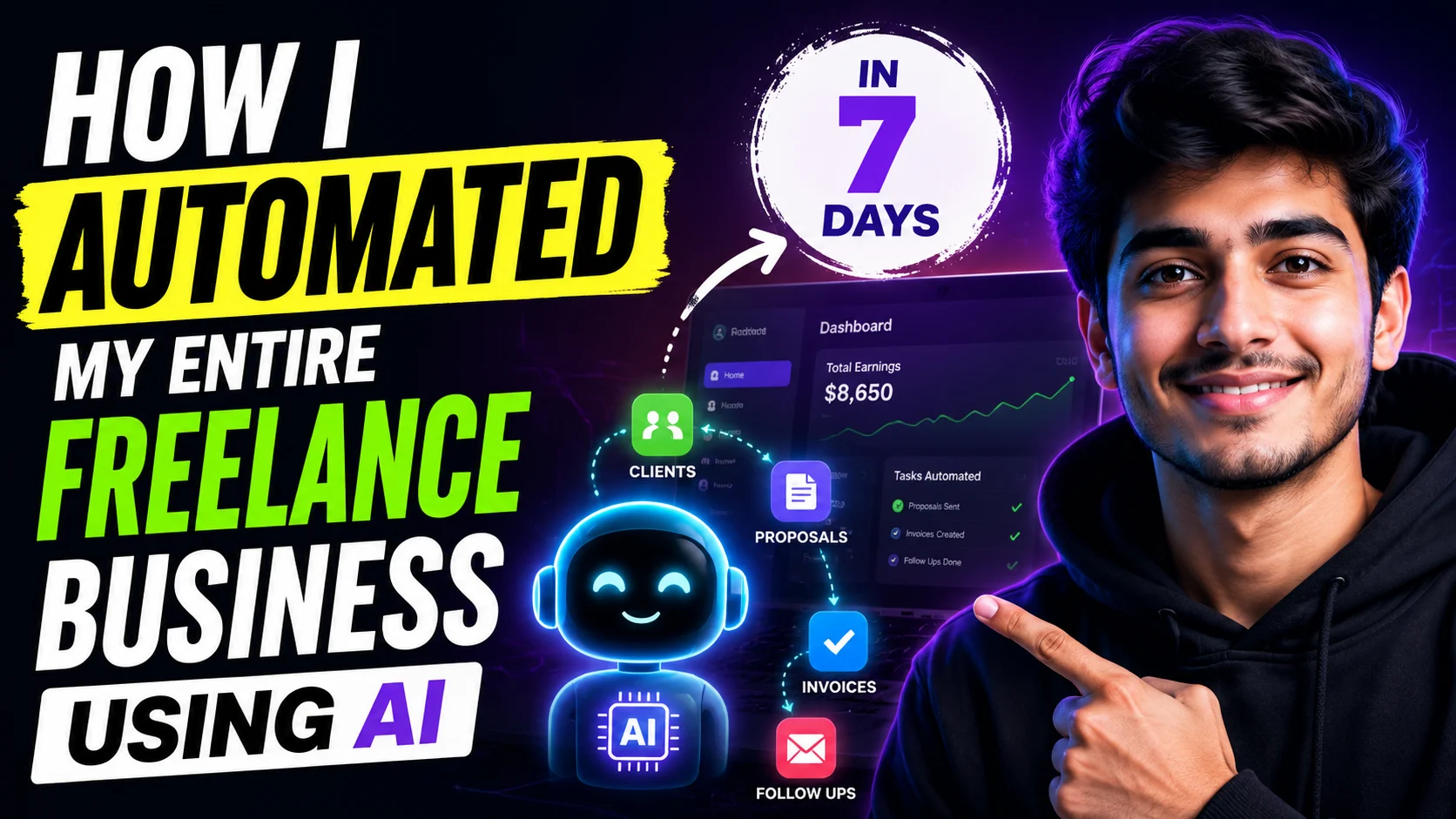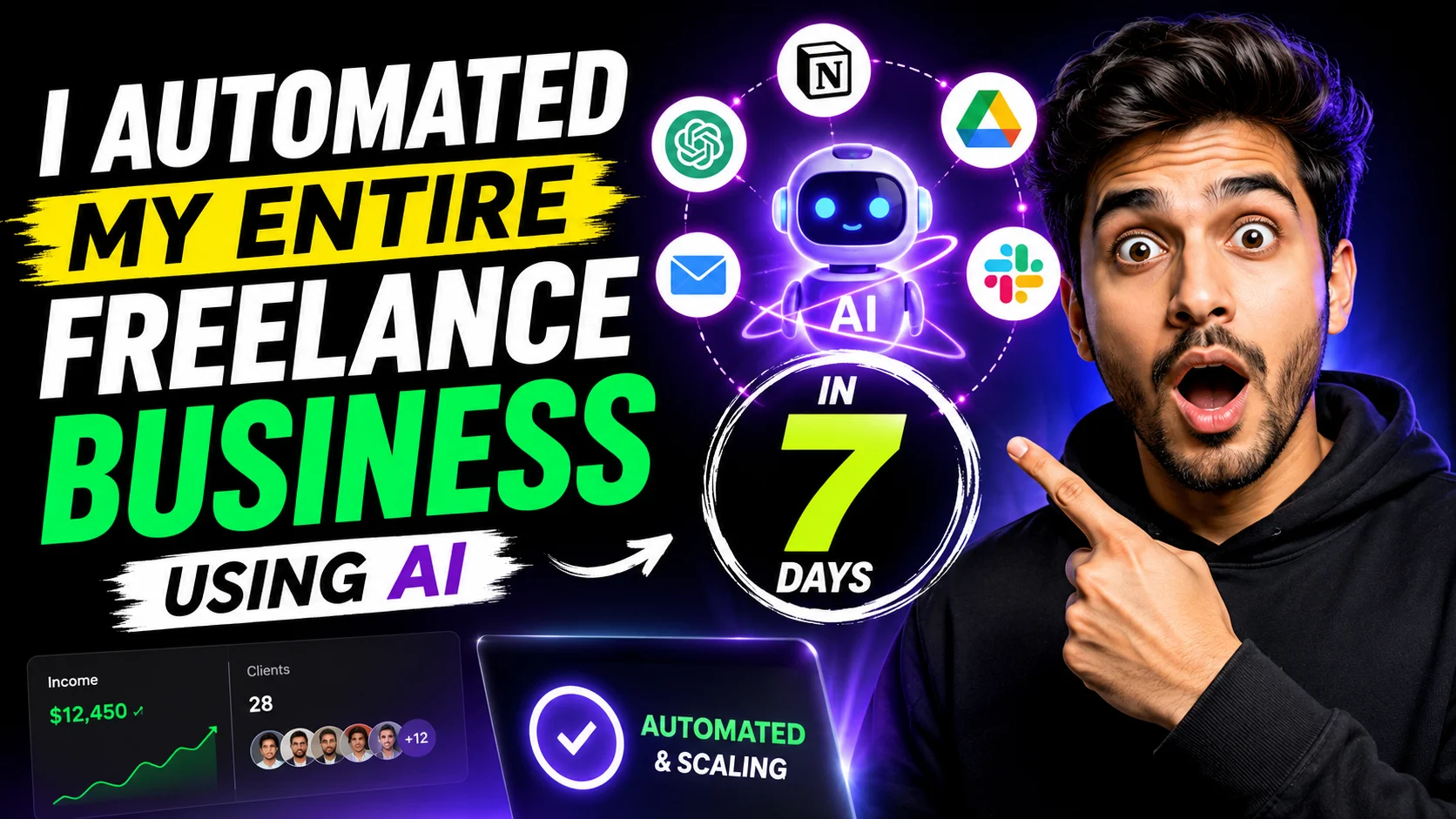
Here is exactly how I transformed my solo enterprise from a manual grind into a streamlined, AI-powered operation in just one week—and how you can replicate the framework.
The Wake-Up Call: Why Automation is Non-Negotiable
For years, I wore my 60-hour workweeks like a badge of honor. But industry data tells a different story. The Upwork In-Demand Skills 2026 report found that demand for AI-fluent freelancers grew by 109% year-over-year. Clients are no longer just paying for output; they expect the speed, efficiency, and scale that only AI-augmented delivery can provide.
I realized my core value wasn’t sending manual calendar invites or drafting standard proposals. To remain competitive—and sane—I needed to offload repetitive tasks and focus entirely on high-level strategy and creative journalism.
Days 1–2: Mapping the Workflow and Choosing the Stack
Before writing a single prompt, I spent the first two days analyzing where my time actually went. As workflow experts advise, the key to successful AI integration is identifying high-impact workflows that are repetitive but still require a pinch of reasoning.
I mapped out my standard project lifecycle and chose a lean, cost-effective AI stack designed for solo business owners:
- ChatGPT Plus:At $20/month, this remains the foundational tool for heavy lifting in research, drafting templates, and analyzing long documents.
- Zapier: The digital “glue” needed to connect my disparate apps and trigger automated workflows behind the scenes.
- Notion AI: Bundled into my workspace for project tracking, task breakdown, and instant documentation.
- Canva Pro: For rapid, AI-assisted visual mockups and featured image generation.
Days 3–4: Putting Client Communications on Autopilot
The biggest drain on my productivity was the constant context-switching required to manage client emails and project onboarding. I used Zapier to connect my Gmail inbox directly to ChatGPT to handle the administrative noise.
Here is how my automated triage system now operates:
- Categorization:When a new client email arrives, Zapier triggers an AI workflow that reads the intent—flagging whether it is a “new project inquiry,” “urgent revision,” or “invoice question”.
- Drafting:The AI automatically drafts a contextual first-pass response based on my previous standard replies and saves it as a draft in my inbox.
- Human Review: I log in, spend 30 seconds reviewing and tweaking the tone, and hit send.
This single automation saved me roughly four hours a week. It ensured that I remained the final editor, protecting my brand’s voice while completely eliminating the dread of a blank reply window.
Days 5–6: Supercharging Content Research and Production
As a journalist, thorough research is the bedrock of my work. However, summarizing 50-page reports manually is a severe bottleneck. I integrated AI strictly as a “thinking partner,” adhering to a strict rule: never ship raw AI output.
- Speed-Reading Data: I began feeding lengthy industry PDFs into ChatGPT to extract key statistics, identify recurring themes, and build immediate competitor overviews.
- Overcoming Blank Page Syndrome: When starting a new feature, I use AI to generate multiple structural outline variations. It provides a robust starting point, slashing my ideation time in half.
The result? My initial drafting process became up to 40% faster, allowing me to spend all my mental energy on the final 20% of the work—the nuance, the interviews, and the journalistic judgment that AI simply cannot replicate.
Day 7: Streamlining Admin and Invoicing
The final day was dedicated to the most tedious part of freelancing: getting paid. I integrated QuickBooks’ AI-assisted bookkeeping features into my daily operations.
Now, when I drag a project card to “Completed” in my task manager, a background workflow triggers the creation of an invoice draft. At the end of the month, the AI auto-categorizes my business expenses, turning a dreaded three-hour chore into a painless 15-minute review session.
The Bottom Line
Automating my freelance business didn’t make me obsolete; it made me unignorable. By offloading tedious administrative work, I effectively increased my hourly rate and created the mental space required to take on higher-level investigative pieces.
AI tools for freelancers are no longer just experimental toys—they are everyday infrastructure.Those who master them will fundamentally outpace those who refuse to adapt.
Your Takeaway: You do not need to be a developer to start the automation process. Track your time this week, pick the single administrative task you hate the most, and use a tool like Zapier or ChatGPT to build a small AI-assisted process around it. Reclaim your time, let the machines handle the busywork, and focus entirely on the art that gets you hired.