For nearly a decade, Grammarly held a near-monopoly on digital proofreading. Whether you were drafting an executive memo or polishing a college essay, that familiar green widget was the standard safety net for catching misplaced commas and passive phrasing.
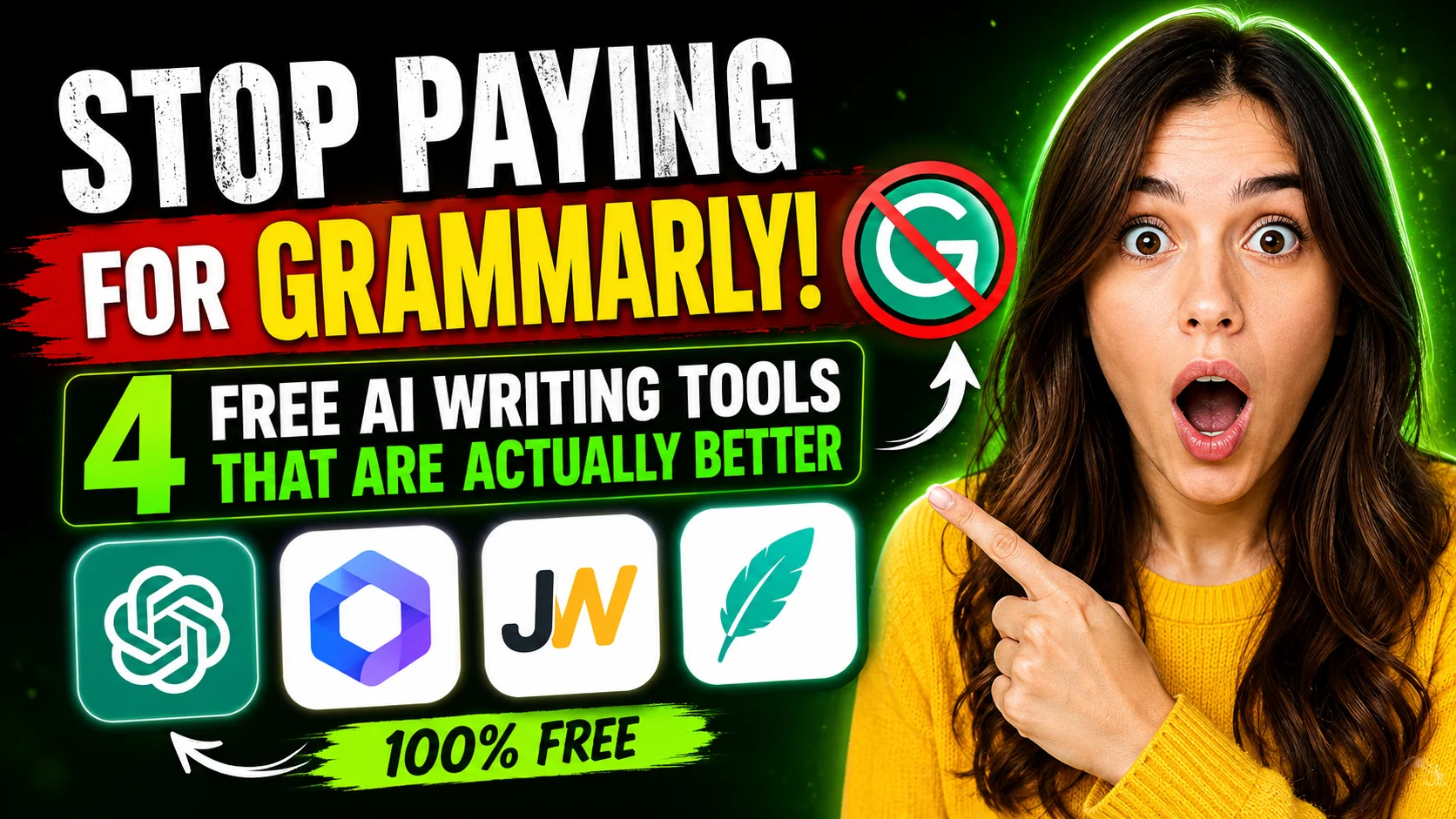
Today, paying up to $30 a month (or $144 annually) for a basic grammar checker makes little financial sense.
The rapid maturation of Large Language Models (LLMs) and specialized linguistic engines has permanently disrupted the writing stack. Modern free alternatives no longer just scan for rigid syntax rules—they understand rhetorical tone, regional nuance, and complex technical context far better than traditional rule-based algorithms.
Here are four free AI writing tools that outperform paid legacy checkers, along with how to integrate them into your daily workflow.
1. ChatGPT & Claude: The Context-Aware Powerhouses
Traditional grammar checkers evaluate sentences in isolation, frequently misinterpreting deliberate stylistic choices, technical jargon, or idiomatic phrasing. Modern conversational AI models like ChatGPT (GPT-4o mini) and Claude 3.5 Sonnet analyze entire drafts holistically.
Prompt Example:
"Proofread this draft for clarity and conciseness. Preserve my authentic voice, eliminate passive bloat, and flag any logical inconsistencies in bullet points."
Why They Excel:
- Deep Intent Recognition: LLMs understand why an author used a particular metaphor or cadence, correcting grammar without stripping away personal voice.
- Custom Persona Framing: You can instruct them to edit strictly from the perspective of an academic peer reviewer, a senior copy editor, or a tech journalist.
- Substantive Feedback: Beyond fixing syntax, they identify logical leaps, repetitive arguments, and tone mismatches.
2. LanguageTool: The Privacy-First Multilingual Alternative
For users who want a drop-in browser extension without sending raw data to generative AI training pools, LanguageTool remains the gold standard in privacy-conscious editing.
Originally built as an open-source grammar platform, LanguageTool provides real-time browser and desktop integration across Google Docs, MS Word, and email clients.
Key Strengths:
- Over 30 Languages Supported: Exceptional performance in English, German, French, and Spanish, handling dialect nuances (such as British vs. American English) reliably.
- No Account Required for Quick Checks: You can paste text directly into their web interface without creating an account.
- Zero Creative Interference: Unlike generative AI, it functions purely as an analytical proofreader, avoiding hallucinations while catching typos, capitalization errors, and misplaced punctuation.
3. DeepL Write: Precision Phrasing and Tone Calibration
Developed by the team behind the world’s most accurate machine translation network, DeepL Write uses deep neural networks focused specifically on linguistic refinement rather than raw content generation.
Instead of merely flagging errors, DeepL Write analyzes your text and offers a curated list of alternative phrasing for every individual clause.
Key Strengths:
- Vocabulary Enrichment: Click on any highlighted word or clause to see context-appropriate synonyms that improve flow without sounding pretentious.
- Tone Switching: Toggle instantly between Academic, Casual, Business, and Simple registers.
- Flawless Non-Native Writing Support: Particularly potent for non-native English speakers who want their prose to sound natural and idiomatic.
4. Hemingway Editor (Web): The Structural Simplifier
Grammarly frequently encourages wordiness through generic “clarity” suggestions. Hemingway Editor takes the opposite approach: ruthless editorial economy.
Available completely free in any web browser, Hemingway highlights sentences based on readability friction using a color-coded diagnostic system.
- Yellow: Long, structurally complex sentences that need splitting.
- Red: Dense, convoluted phrasing that stalls reading momentum.
- Blue: Weak adverbs that dilute the verb.
- Green: Passive voice instances that sap sentence energy.
It does not rewrite text for you; instead, it trains you to become a more disciplined self-editor.
Direct Comparison: How Free Options Stack Up
| Tool | Best Used For | Platform | Key Advantage Over Grammarly |
| ChatGPT / Claude | Comprehensive structural editing & flow | Web / Mobile / API | Understands complex arguments and document-wide context |
| LanguageTool | Real-time proofreading & extension support | Browser / Desktop / Add-in | Robust multilingual accuracy with transparent privacy standards |
| DeepL Write | Tone modulation & nuance refinement | Web / Desktop App | Superior synonym selection without artificial phrasing |
| Hemingway Web | Readability scoring & trimming bloat | Web Browser | Distraction-free interface focused on sentence rhythm |
The Takeaway: How to Build Your Zero-Cost Writing Stack
You don’t need a single, all-in-one paid tool. Modern professional writers achieve better results by combining lightweight, specialized utilities:
- Draft and Prune: Write freely, then run your draft through Hemingway Web to strip passive voice and split run-on sentences.
- Refine Tone: Paste tricky sections into DeepL Write or Claude to sharpen the phrasing and ensure cohesive flow.
- Passive Catch: Keep LanguageTool active in your browser to catch live spelling and mechanical slip-ups as you publish.
Before renewing an automatic software subscription this year, test this zero-cost combination on your next article, report, or pitch. You will likely find that today’s free AI ecosystem offers greater depth, superior flexibility, and sharper precision—without the monthly invoice.
Also Read What Happens When You Ask 10 Different AIs the Same Question