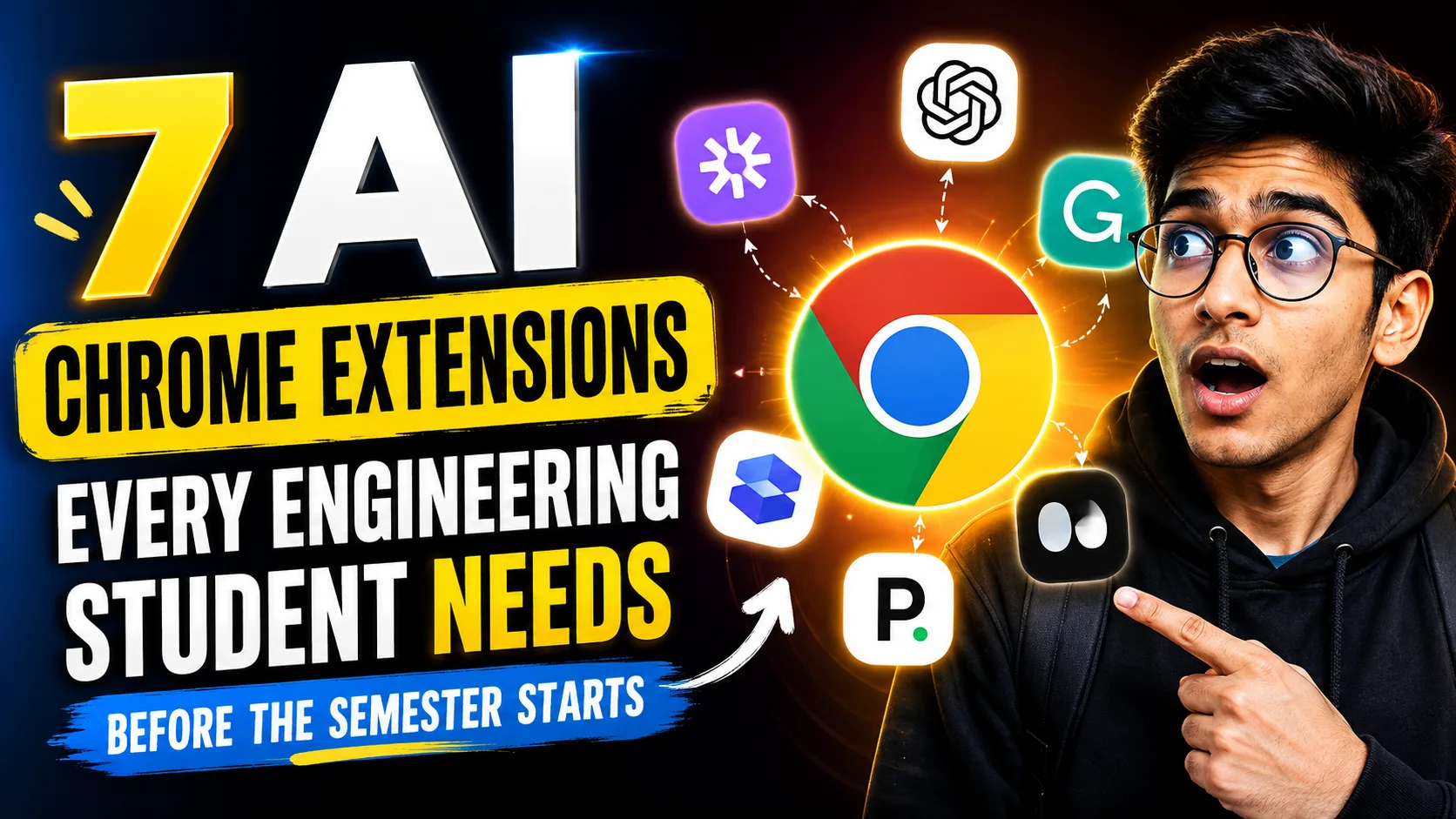
Engineering coursework is notoriously grueling. Between deciphering 50-page IEEE research papers, debugging code at 2 AM, and rewatching lengthy lecture recordings, time is an engineering student’s most scarce resource. According to a recent higher education survey, 88% of students are already using AI tools to manage their academic workload. However, constantly switching tabs to access these tools breaks focus.
In 2026, working harder isn’t the answer—working smarter is. By integrating artificial intelligence directly into your browser, you can turn Google Chrome into a centralized command center for research, coding, and productivity.
Here are the seven fact-checked, essential AI Chrome extensions that will give you a competitive edge this semester.
1. SciSpace Copilot: The Research Paper Decoder
Navigating dense academic literature is a rite of passage for engineering students. When you are staring at an arXiv paper filled with complex methodology and mathematical formulas, SciSpace Copilot acts as an on-page translator.
- How it works: Instead of losing context by opening a new tab, you can highlight confusing text, tables, or math formulas directly on the PDF or webpage. The AI provides a plain-English explanation instantly.
- Best for: Literature reviews and decoding complex computer science or physics journals.
2. Harpa AI: The Automation Specialist
Harpa AI is a hybrid tool that combines AI summarization with powerful web automation. For a computer science student, it is a game-changer for both studying and scraping data.
- How it works:If you are assigned a two-hour YouTube lecture on Dynamic Programming but lack the time, Harpa can extract the video transcript and provide a structured summary with timestamps.From a developer’s perspective, you can even instruct it to traverse a documentation website and automatically list all HTTP endpoints.
- Best for: Skipping video fluff and automating repetitive browser tasks.
3. Perplexity AI Companion: The Citation Engine
While standard generative AI models are prone to hallucinating facts, Perplexity is built for rigorous academic research. It functions as an AI-powered search engine that strictly cites its sources.
- How it works: The Chrome extension lets you search the web or ask questions about the active tab you are viewing. When looking up technical facts—like the time complexity of a specific algorithm—Perplexity provides credible, inline source citations required for academic submissions.
- Best for: Fact-checking and gathering verified evidence for research reports.
4. SurfMind: The Multi-Model Sidebar
Most AI extensions force you to rely on a single model. SurfMind breaks this mold by allowing you to interact with over 100 AI models—including GPT-4, Claude, and Gemini—from a single sidebar.
- How it works: SurfMind reads the context of your current webpage. If you have eight tabs of documentation open, the extension can pull context from all of them simultaneously to help you synthesize the information.Furthermore, its “Bring Your Own Key” (BYOK) architecture lets budget-conscious students pay only for the API credits they use, significantly reducing monthly software costs.
- Best for: Multi-tab research and cost-effective access to premium AI models.
5. Web2MD: The Deep Research Assistant
If you frequently feed web documentation into external AI tools like ChatGPT or Claude, you know that copying and pasting cluttered web text yields poor results. Web2MD bridges this gap beautifully.
- How it works:With a single click, it strips away ads and navigation menus, converting any webpage into clean, structured Markdown.This format is perfectly optimized for Large Language Models (LLMs) to parse, preserving your headings, tables, and code blocks.
- Best for: Preparing clean data for deep AI analysis and prompt engineering.
6. Tactiq: The Lecture Note-Taker
Online classes and remote group project meetings often result in scattered notes and forgotten responsibilities. Tactiq ensures you never miss a critical detail during a virtual session.
- How it works:Tactiq provides real-time, bot-free transcription for platforms like Google Meet, Microsoft Teams, and Zoom. Once the lecture or meeting concludes, it automatically generates a high-level summary and a list of actionable items.
- Best for: Recording online lectures and organizing group project deliverables.
7. Grammarly: The Technical Writing Coach
Strong coding skills must be paired with clear communication. Whether you are drafting a thesis, writing a PR description on GitHub, or sending an email to a professor, Grammarly remains the undisputed champion of browser-based writing assistance.
- How it works: The extension works seamlessly within text fields across the web. Beyond basic spell-checking, its AI tone-matching capabilities ensure your late-night drafts sound professional, coherent, and academically appropriate.
- Best for: Polishing technical documentation and academic writing.
The Takeaway
Building an effective “AI stack” isn’t about downloading every tool available; it is about reducing friction in your daily workflow. By equipping your browser with these targeted extensions, you can spend less time managing tabs and more time actually learning, coding, and building.
Ready to upgrade your study sessions? Pick two extensions from this list—like SciSpace for your readings and Harpa AI for video lectures—install them today, and watch your productivity soar this semester.
Also Read What Happens When You Ask 10 Different AIs the Same Question