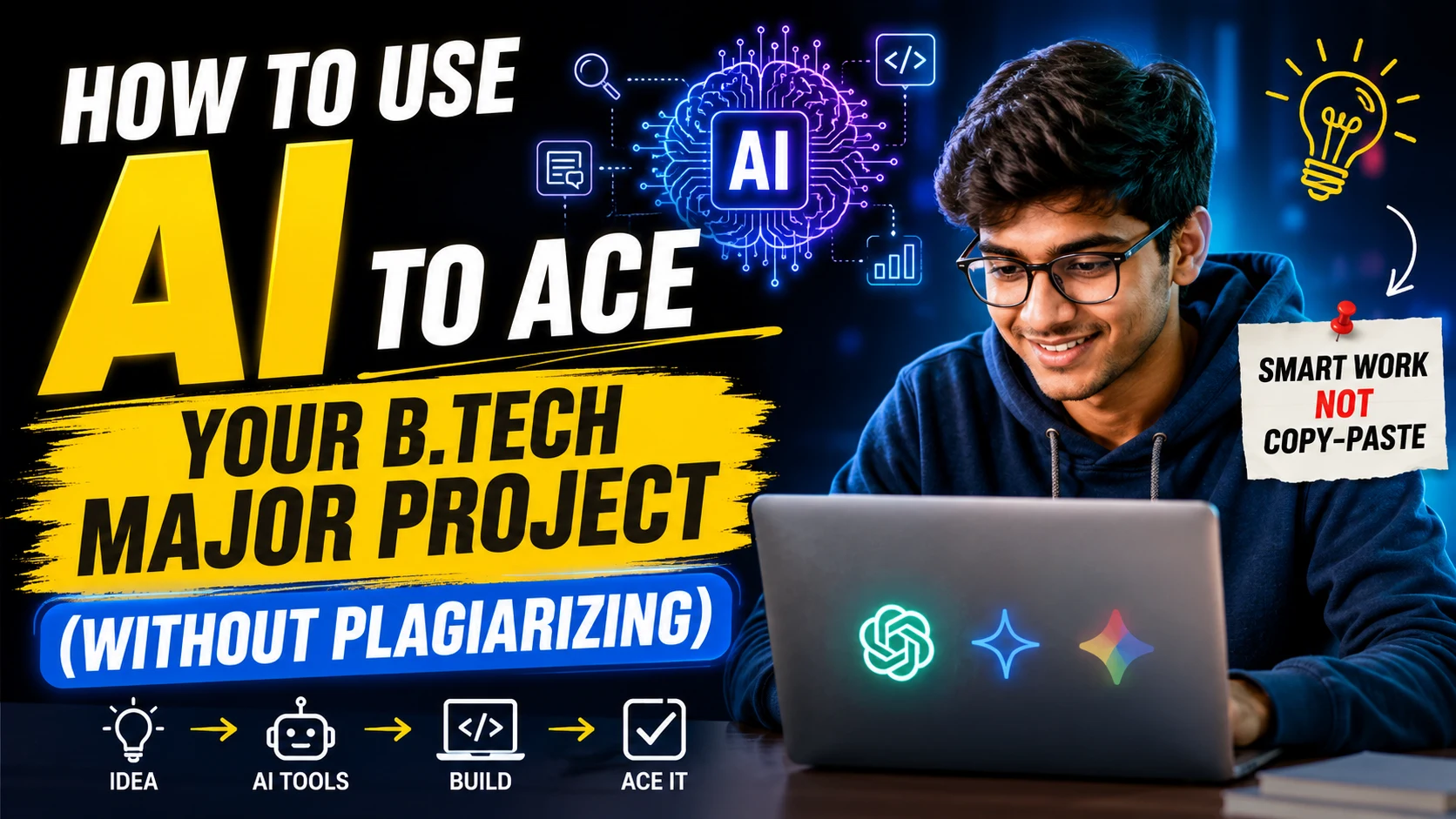
For engineering students, the final-year B.Tech major project is a rite of passage—the ultimate test of four years of late-night cramming and rigorous practicals. But with generative AI tools like ChatGPT, Gemini, and GitHub Copilot readily available, the temptation to let an algorithm do the heavy lifting is stronger than ever.
The question is no longer whether engineering students are using AI; it is whether they are using it smartly. Universities across the globe are rapidly updating their academic integrity policies, deploying sophisticated AI detectors, and conducting rigorous viva voce (oral) examinations to weed out generated submissions.
So, how can you leverage artificial intelligence to build a standout engineering project without falling into the plagiarism trap? The secret lies in treating AI as an assistant, not a ghostwriter.
AI as a Brainstorming Partner, Not a Ghostwriter
The most daunting part of any B.Tech major project is deciding what to build. AI is exceptionally good at helping you find the sweet spot between a problem that is too simplistic and one that is impossible to execute within a semester.
Instead of prompting an AI with, “Give me a B.Tech project idea,” try a highly specific, constraint-based approach.
- Ask for intersections: “I am proficient in Python and interested in renewable energy. Suggest five IoT-based project ideas that can be prototyped using a Raspberry Pi for under ₹5,000.”
- Evaluate feasibility: Once you have an idea, ask the AI to play devil’s advocate. Have it list the potential hardware limitations, data availability issues, or hidden costs associated with your proposed project.
By using AI to spark ideation rather than dictate the final choice, you retain complete ownership of the concept.
Speeding Up the Literature Review
A robust literature review is the backbone of a high-scoring project report. You need to prove that you understand the existing research before proposing a new solution. This is where AI tools designed for academic research, such as Consensus or Elicit, outshine general chatbots.
- Summarize dense papers: Upload a 20-page IEEE research paper to an AI tool and ask for a summary of its methodology and limitations.
- Identify research gaps: Ask the AI to compare three recent papers on your topic and highlight what they failed to address.
The Golden Rule: Never copy-paste an AI-generated summary into your report. AI has a well-documented habit of “hallucinating” or inventing fake citations. Always read the original source material and write the literature review in your own words, properly citing the actual authors.
Coding and Debugging: The Co-Pilot Approach
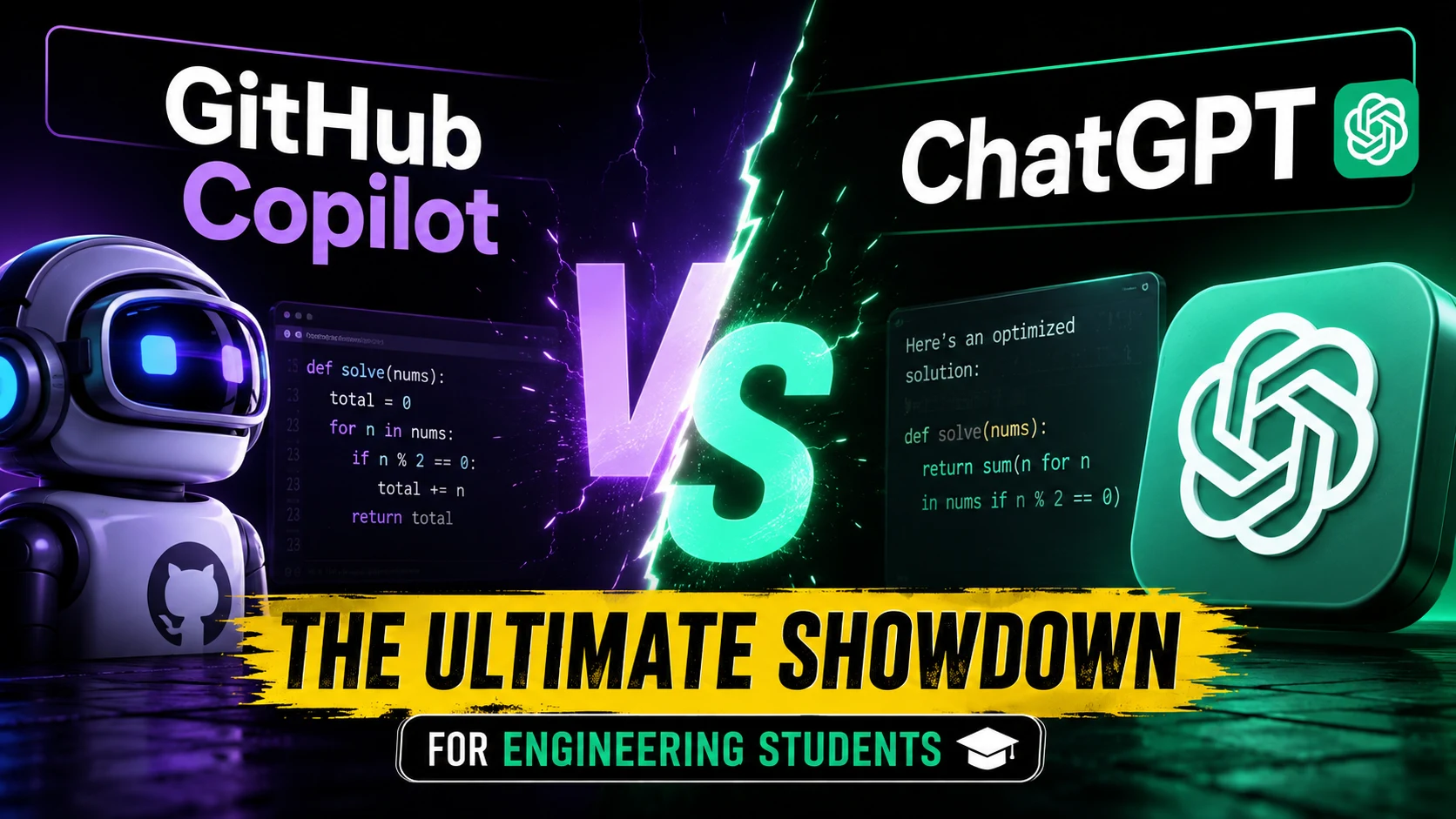
For computer science, IT, and electronics students, coding is where the bulk of the project time is spent. Tools like GitHub Copilot and ChatGPT are revolutionizing how code is written, but over-relying on them is a fast track to failing your project defense.
If an AI generates a complex machine learning pipeline for you, but you cannot explain how the neural network’s weights are adjusted during the viva, your examiners will know immediately.
How to use AI safely in development:
- Boilerplate code: Use AI to generate routine, repetitive code (like setting up a basic Flask server or formatting a database schema), saving your mental energy for the core logic.
- The ultimate debugger: When you are stuck on a persistent error, paste the code snippet and the error log into the AI. Ask it to explain why the error is happening, rather than just asking for the corrected code.
- Code explanation: If you are integrating a complex open-source library, ask the AI to break down how specific functions operate line-by-line.
Structuring and Polishing the Final Report
Even the most groundbreaking technical project will score poorly if the documentation is messy. AI is a fantastic editorial assistant for your final B.Tech project report.
- Outline generation: Ask AI to generate a standard structural outline based on your university’s guidelines (e.g., Abstract, Introduction, Methodology, Results, Conclusion).
- Grammar and tone: Use tools like Grammarly or direct prompts to refine your own writing. Ask the AI to “make this paragraph sound more formal and academically rigorous” or “fix grammatical errors in this section.”
- Formatting data: AI can quickly convert a messy list of raw data into a clean, markdown-formatted table for your results section.
The Ethics: Where to Draw the Line
The boundary between smart assistance and academic misconduct is clear. If you remove the AI’s contribution and your project collapses, you have plagiarized. If you remove the AI and your project just takes a bit longer to finish, you have used it correctly.
Universities test your knowledge, not just your final output. Your professors are looking for critical thinking, problem-solving skills, and deep domain understanding. AI cannot sit in the examination room with you, and it certainly cannot defend your design choices to a panel of skeptical external examiners.
The Takeaway:
Embrace AI to brainstorm faster, debug smarter, and write cleaner reports. But remember that you are the engineer. Use these tools to augment your intelligence, not replace it.
Are you currently working on your B.Tech major project? Start by auditing your workflow today. Identify one bottleneck—whether it is literature review or debugging—and test an AI tool strictly as a guiding assistant. Your future career will thank you for learning how to manage AI, rather than letting it manage you.
Also Read The New On-Device AI: Why Apps Will Soon Work Perfectly Without Internet