
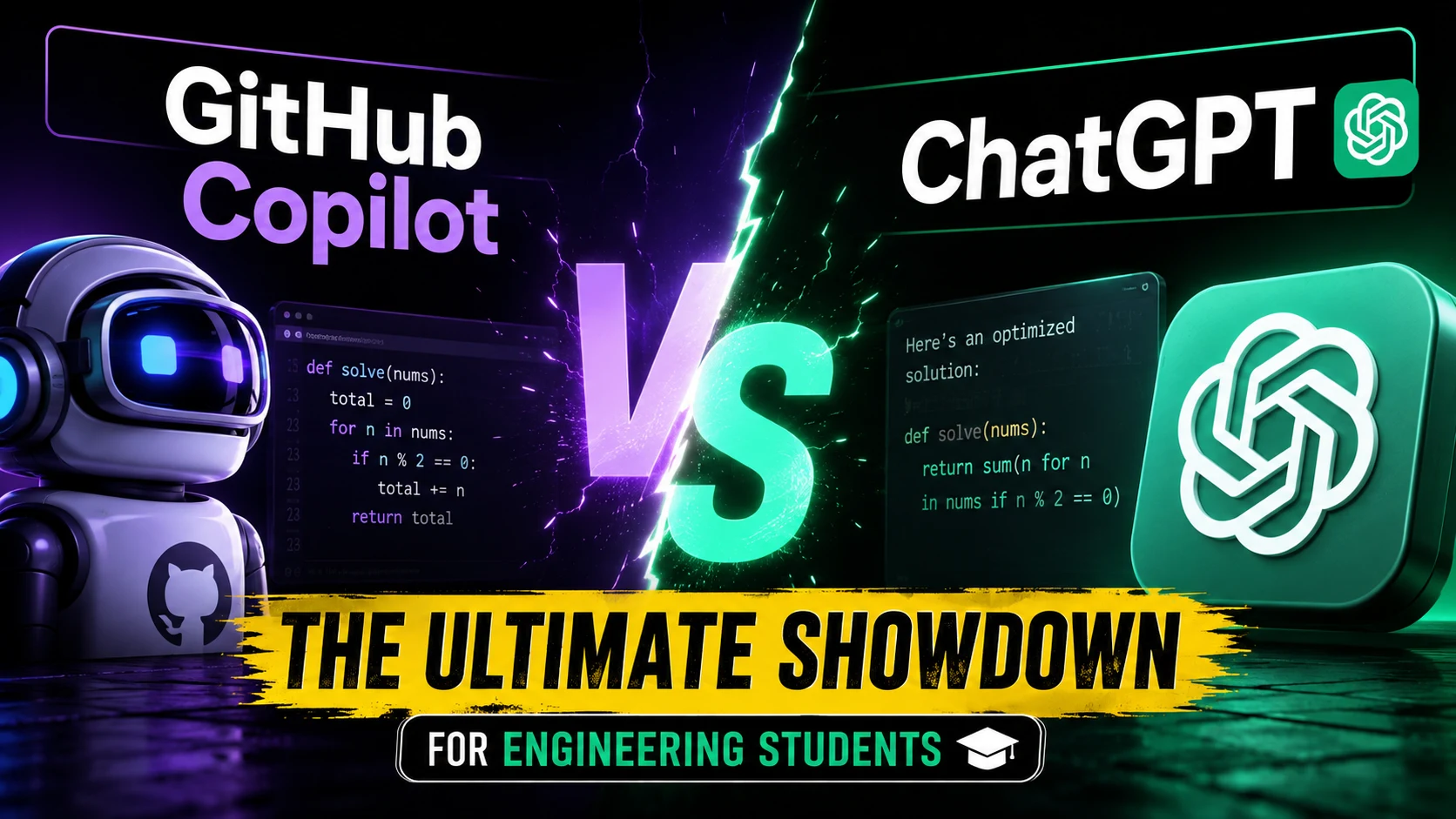
Engineering students are increasingly using AI tools while learning programming, building projects, and preparing for technical interviews. Two names dominate that conversation: GitHub Copilot and ChatGPT.
Although they are often treated as competitors, they are designed for different parts of the learning and development process. GitHub Copilot is deeply integrated into coding environments and focuses on helping developers write, edit, and understand software projects. ChatGPT is broader: it can explain algorithms, teach engineering concepts, analyse documents, help debug code, and guide students through problem-solving conversations.
For students deciding which tool deserves a place in their workflow, the better question is not which AI is smarter, but which tool is better for the task you are doing at that moment.
The Core Difference
The simplest distinction is context.
GitHub Copilot works primarily inside development environments such as Visual Studio Code, JetBrains IDEs, and Visual Studio. Its biggest strength is understanding the code currently being written and assisting directly within the programming workflow. It can generate inline code suggestions, answer questions about a project, edit multiple files, and assist with debugging using repository context.
ChatGPT, meanwhile, operates as a conversational workspace rather than an IDE-first coding assistant. Students can ask it to explain data structures, solve mathematical derivations step by step, review uploaded notes, analyse PDFs, generate practice questions, or discuss why a particular programming approach works. OpenAI’s Study Mode is specifically designed to guide learners through concepts instead of immediately presenting answers.
That difference matters because engineering education involves much more than writing code.
Which Tool Is Better for Coding Assignments?
For writing software inside an IDE, GitHub Copilot usually offers the more efficient experience.
Imagine a computer science student building a Java-based attendance management system. Instead of repeatedly copying code into a chatbot, Copilot can suggest methods while typing, generate boilerplate classes, help create unit tests, and explain relationships between files already present in the repository. Features also allow students to ask questions about selected files, the workspace, or the broader codebase directly from supported IDEs.
This makes Copilot particularly useful for:
- Completing repetitive code structures
- Writing functions and classes faster
- Generating documentation
- Creating unit tests
- Understanding unfamiliar repositories
- Editing several related files during development
However, speed should not be confused with understanding. A student who accepts every generated function without reading it may finish an assignment more quickly while learning less about programming fundamentals. Copilot acts as an assistant that helps developers write and modify code—not as a replacement for understanding software architecture or algorithms.
Where ChatGPT Has the Advantage
ChatGPT becomes more valuable when the challenge is conceptual rather than purely syntactical.
Consider an engineering student struggling with operating systems scheduling algorithms. Instead of simply producing Python code for Round Robin scheduling, ChatGPT can explain why context switching matters, compare FCFS and SJF scheduling, create numerical examples, and quiz the student afterwards using Study Mode.
The same applies across subjects including:
- Data structures and algorithms
- Digital electronics
- Database normalisation
- Computer networks
- Machine learning fundamentals
- Engineering mathematics
- Compiler design
Study Mode uses interactive questioning, scaffolded explanations, and knowledge checks to encourage active learning rather than only supplying solutions. For students preparing for semester examinations, that teaching-oriented interaction is often more useful than inline code completion.
Repository Context vs. Learning Context
One overlooked difference is the type of context each platform handles best.
- GitHub Copilot is strongest when your question depends on the software project itself (for example: “Why is this API returning null?”). If Copilot has access to the relevant workspace or repository, it can inspect connected files, symbols, and project structure before answering.
- ChatGPT is stronger when the context comes from external learning material. A student can upload lecture slides, laboratory manuals, PDFs, or spreadsheets and ask questions based on those materials, making it useful for turning classroom resources into explanations, revision notes, or practice exercises.
Neither approach completely replaces the other.
Feature Comparison for Engineering Students
| Feature | GitHub Copilot | ChatGPT |
| Primary Purpose | Coding assistance inside development environments | Conversational learning and problem solving |
| Best Environment | VS Code, JetBrains, Visual Studio, and supported terminals | Web, desktop, and mobile chat interface |
| Inline Code Suggestions | Yes | Limited compared with IDE workflow |
| Explain Engineering Concepts | Good | Excellent for detailed discussions |
| Understand Repository Structure | Strong workspace and repository context | Depends on files or pasted context |
| File and Document Analysis | Limited compared with chat workflows | Supports uploaded documents and spreadsheets |
| Step-by-Step Learning Mode | No dedicated study mode | Yes, through Study Mode |
| Unit Test Assistance | Yes | Yes, through generated examples |
| Multi-File Code Editing | Supported through agent workflows | Available through Codex workflows depending on plan |
Free Access and Pricing
- GitHub Copilot: Verified students can access Copilot Student through GitHub Education at no additional cost. Eligibility requires student verification, which is periodically reevaluated.
- ChatGPT: Provides a free tier that includes access to core chat capabilities along with limited access to tools such as file uploads and data analysis. Paid individual and institutional plans are also available.
The Rise of AI in Software Engineering Education
According to Stack Overflow’s Developer Survey, a large majority of developers use or plan to use AI tools in their workflow. Yet enthusiasm remains cautious, with many developers indicating distrust toward the accuracy of AI-generated output without manual verification.
The industry is adopting AI-assisted development, but professional developers do not treat generated code as automatically correct. Verification, testing, and code review remain essential skills. The core question for students is whether they are using AI to replace thinking or improve thinking.
A Practical Workflow Using Both Tools
Rather than choosing one platform exclusively, students can combine them effectively:
- Understand the problem with ChatGPT: Discuss functional requirements, database schema design, object-oriented design, edge cases, and algorithm choices before writing code.
- Build inside your IDE with Copilot: Write classes, generate repetitive methods, add documentation, create tests, and debug errors in context.
- Return to ChatGPT for review: Check time complexity, ask for query optimization, and generate potential viva/interview questions based on the project.
Limitations Students Should Remember
Both tools can generate incorrect information. ChatGPT may explain an algorithm incorrectly or misunderstand incomplete code. Copilot may suggest functions that compile but contain logical bugs, security issues, or flawed assumptions.
Always verify your work by checking:
- Does the code compile?
- Does it pass tests?
- Does the algorithm match the requirement?
- Can you explain every line during an evaluation or interview?
- Have you verified important technical facts against official documentation?
Which Should Engineering Students Choose?
- Choose GitHub Copilot if your priority is software development inside an IDE, contributing to repositories, or writing significant amounts of project code.
- Choose ChatGPT if your priority is learning, conceptual explanation, document analysis, and exam preparation.
The most productive setup is using ChatGPT to strengthen understanding and GitHub Copilot to improve implementation efficiency—while independently verifying all final results.
Frequently Asked Questions
Is GitHub Copilot free for engineering students?
Yes. Verified students who qualify through GitHub Education can access Copilot Student without paying for a separate subscription.
Can ChatGPT help with engineering mathematics and programming?
Yes. ChatGPT can explain mathematical concepts, programming logic, algorithms, and technical documents, with interactive guidance available via Study Mode.
Which is better for coding in VS Code?
GitHub Copilot is generally better suited because it integrates directly into supported IDEs and uses workspace context to assist with coding and debugging.
Should students trust AI-generated code without testing it?
No. Testing, reviewing, and understanding generated code is critical before using it in academic or professional projects.








4 thoughts on “GitHub Copilot vs. ChatGPT: Which Is Better for Engineering Students in 2026?”