
Imagine staring at a broken block of Python code at 2:00 AM, knowing your final engineering project is due in exactly six hours. A few years ago, this meant scrolling endlessly through forum threads—but today, AI coding assistants have completely rewired how computer science students build, debug, and learn. As you set up your digital workspace for the semester, a critical question emerges: in the battle of GitHub Copilot vs. ChatGPT, which tool actually makes you a better programmer?
While both platforms are built on OpenAI’s groundbreaking architecture, they are designed for completely different workflows. Here is a definitive, data-driven breakdown of how these two AI heavyweights stack up for engineering students.
The Core Difference: The Co-Pilot vs. The Consultant
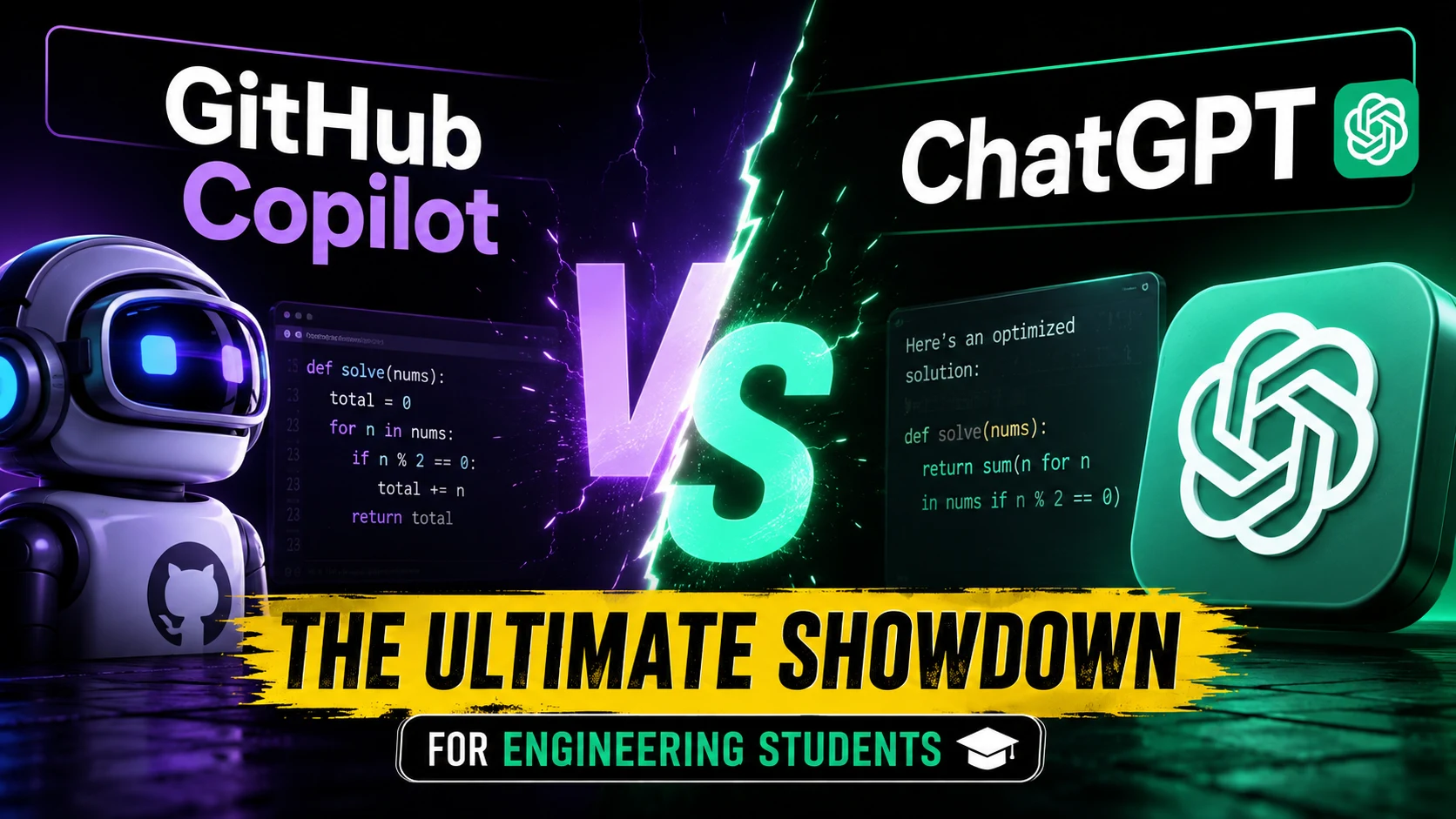
To understand which tool to use, you have to understand how they operate.
GitHub Copilot is a specialized, agentic coding tool that lives directly inside your Integrated Development Environment (IDE) like Visual Studio Code or JetBrains. It works in the background, analyzing your codebase and suggesting real-time, inline code completions as you type. It acts as an intuitive autocomplete on steroids.
ChatGPT, conversely, is a conversational AI. It lives in your browser or app and excels at multi-step reasoning, brainstorming, and explaining complex concepts. If Copilot is the co-pilot holding the steering wheel with you, ChatGPT is the senior developer you call on the phone when you are completely lost.
Pricing and Accessibility: The Student Advantage
For college students on a tight budget, cost is often the deciding factor.
- The GitHub Advantage: GitHub Copilot is famously free for verified students through the GitHub Student Developer Pack. This grants undergrads access to premium, real-time code generation without spending a dime, making it an absolute must-have for computer science majors.
- The ChatGPT Model: ChatGPT offers a robust free tier that is excellent for answering quick questions and generating small scripts. However, heavy coders who want advanced data analysis, file uploads, and priority access to the smarter GPT-4o models often have to pay a monthly subscription.
Performance in the Real World: What the Data Says
When put to the test in academic and practical settings, the two tools yield fascinating results. A recent experimental study analyzing AI tools in web application development found that both platforms significantly boost student productivity, but they excel in different areas.
- Task Speed: Students utilizing ChatGPT were found to be slightly faster at overall task completion. This is largely because ChatGPT can generate entire structural templates or explain a foundational concept from scratch.
- Workflow & Collaboration: GitHub Copilot demonstrated a stronger impact on continuous workflow. Because it pulls real-time context from the file you are editing and your broader workspace, it reduces the cognitive load of constantly switching between tabs.
- Accuracy: ChatGPT-4o boasts an impressive ~88.7% accuracy rate on the MMLU (Massive Multitask Language Understanding) benchmark, making it highly reliable for debugging logic. However, Copilot generally produces better context-aware inline code since it reads the surrounding functions in your specific project.
Which Tool Wins for Specific Tasks?
To make the best choice, match the tool to the assignment at hand:
- Writing Boilerplate Code (Winner: GitHub Copilot): If you need to write repetitive functions, standard HTML/CSS structures, or basic database queries, Copilot will write it for you in seconds with a simple press of the “Tab” key.
- Debugging and Explaining Code (Winner: ChatGPT): Paste a broken function into ChatGPT and ask, “Why is this returning a syntax error?” It will not only fix the code but explain the underlying logic, which is vital for exam preparation.
- Learning a New Language (Winner: ChatGPT): If you are transitioning from Java to Rust, ChatGPT serves as an interactive tutor. It can draw comparisons between the two languages and guide you step-by-step.
- Building Fast and Staying Focused (Winner: GitHub Copilot): By keeping you inside your IDE, Copilot prevents the distraction of tabbing over to a browser. It keeps your hands on the keyboard and your head in the code.
The Verdict: Why Choose When You Can Combine?
The reality of modern software development is that you don’t have to pick just one. The most efficient engineering students treat these tools as complementary forces.
Use ChatGPT during the planning phase. Ask it to structure your project, explain the architecture of an app, or teach you a new framework. Once you understand the roadmap, open your IDE and let GitHub Copilot accelerate the actual typing, testing, and formatting.
The Ultimate Takeaway: AI is not here to replace your degree; it is here to amplify your output. If you haven’t already, head over to GitHub Education, verify your university email, and unlock your free Student Developer Pack. Combine Copilot’s speed with ChatGPT’s brainpower, and you won’t just survive your engineering assignments—you’ll dominate them.
Have you used AI to help with your coding assignments? Let us know which tool saved your grades in the comments below!
Also Read The “Jailbreak” Prompt That Makes AI Reveal Its True Opinions






4 thoughts on “GitHub Copilot vs. ChatGPT: The Ultimate Showdown for Engineering Students”