
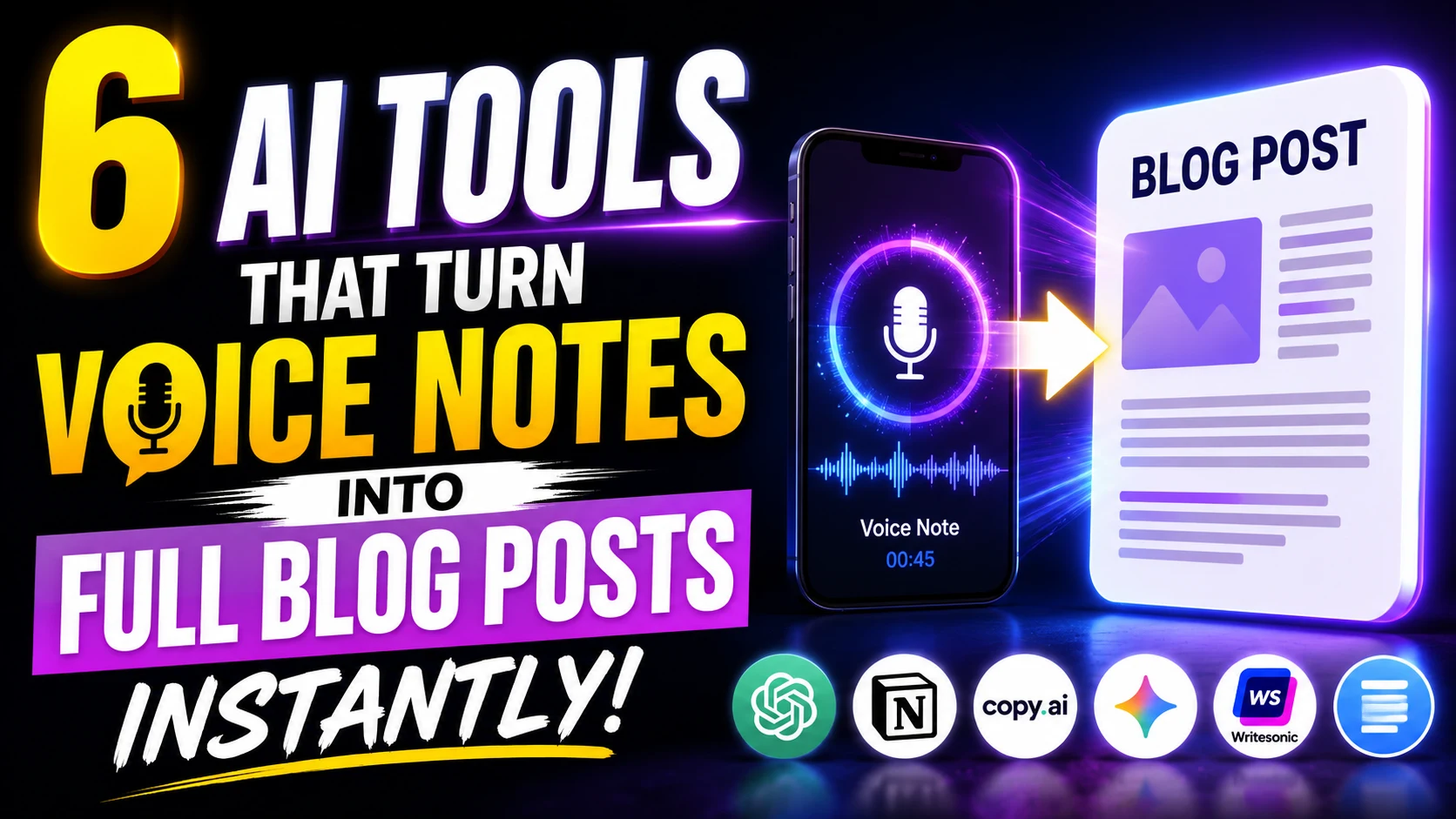
The blank page is the ultimate productivity killer. You have a brilliant idea while walking your dog or stuck in morning traffic, but by the time you sit at your keyboard, the clarity evaporates into tedious writer’s block.
Human speech flows at roughly 130 to 150 words per minute, whereas the average professional types at around 40. For years, dictation software simply transcribed rambling, filler-laden speech word-for-word, leaving writers with messy transcripts that took hours to untangle.
Today, large language models (LLMs) have merged with advanced automatic speech recognition (ASR). The result is a new crop of AI-powered “voice-to-content” engines that do not just transcribe your speech—they rewrite, structure, and polish raw audio into publication-ready essays and blog posts.
Here is an analytical look at six of the most effective AI tools transforming voice notes into long-form digital content.
1. AudioPen: The Gold Standard for Stream-of-Consciousness Drafting
AudioPen was among the first web applications to combine Whisper-based transcription with LLM rewrites. It is engineered specifically for thinkers whose ideas arrive in disorganized bursts.
- How it works: You press record, speak for up to several minutes without worrying about structure, “umms,” or pauses, and hit stop. AudioPen identifies the core thesis and outputs a clear, coherent narrative.
- Standout feature: The “Style Presets” allow you to choose whether the output should read like an analytical essay, an informal journal entry, or a direct business memo.
- Best for: Solopreneurs and opinion writers who want to turn walking thoughts into ready-to-publish op-eds.
2. Voicenotes.com: Intelligent Memory Meets Custom Publishing
Built by the creators of Buy Me a Coffee, Voicenotes.com treats your spoken words as an interactive knowledge base rather than disposable audio files.
- How it works: It captures high-fidelity audio, creates an accurate transcript, and provides an integrated AI assistant you can prompt directly against your spoken notes.
- Standout feature: You can record multiple notes throughout the day, select them together, and ask the system: “Synthesize these three notes into a 600-word structured blog post with subheadings.”
- Best for: Researchers, journalists, and long-term project planners who record fragmented observations over time.
3. Letterly: Purpose-Built for Creator Content
While general transcription tools try to do everything, Letterly focuses strictly on repurposing voice into multi-platform digital publishing formats.
- How it works: Available as a mobile app and web interface, Letterly lets you dictate messy audio and immediately select your target format—such as a LinkedIn thought-leadership post, a Substack newsletter draft, or an SEO blog post.
- Standout feature: Built-in tone matching ensures the generated prose avoids robotic AI cliches like “delve into” or “tapestry.”
- Best for: Content marketers and busy executives needing fast turnarounds on mobile.
4. Castmagic: Turning Long-Form Spoken Audio into Structured Assets
If your “voice notes” are actually 30-minute recorded voice memos, solo podcast monologues, or client interviews, standard dictation apps will truncate your audio. Castmagic is built for high-volume, long-duration content.
- How it works: Upload long audio files, and Castmagic automatically extracts timestamps, speaker identification, key takeaways, and full draft blog posts.
- Standout feature: Its custom prompt workspace lets you build specific editorial style guides that the AI adheres to every time you submit an audio file.
- Best for: Podcasters, subject matter experts, and editorial teams turning audio interviews into feature articles.
5. AudioNotes.ai: Multilingual Drafting with Workflow Automation
AudioNotes is designed for creators who want to dictate on the go and automatically route the resulting drafts to their publishing stack.
- How it works: It records speech in over 80 languages, automatically cleans up redundancies, and generates organized articles with customizable length and tone settings.
- Standout feature: Direct integration with Notion, Webhooks, and Zapier, meaning a voice note spoken on your phone can land directly as a draft in your CMS or Notion editorial calendar.
- Best for: Productivity enthusiasts who manage automated, multi-step content workflows.
6. Otter.ai: The Collaborative Brainstorm Converter
Otter made its name in enterprise meeting transcription, but its expanded AI chat and outlining capabilities make it a formidable content drafting engine for teams.
- How it works: Otter records conversational audio in real time, generates synchronized transcripts, and uses its automated AI summary engine to outline key discussion points.
- Standout feature: Otter AI Chat allows writers to interrogate the audio transcript directly: “Extract our discussion on market risks and format it into a draft blog section.”
- Best for: Co-authored blogs, editorial roundtables, and team brainstorming sessions.
Feature Comparison at a Glance
| Tool | Primary Strength | Max Audio Input | Best Output Format |
| AudioPen | Unstructured thought cleanup | ~15 mins (Pro) | Opinion pieces, personal essays |
| Voicenotes.com | Note synthesis & interactive AI | Unlimited (Pro) | Long-form synthesized articles |
| Letterly | Social & newsletter ready | ~5 mins | Mobile-first blog & social drafts |
| Castmagic | Long-form audio repurposing | Several hours | Full-length long-form content |
| AudioNotes.ai | Zapier & Notion integrations | ~30 mins | Automated CMS drafts |
| Otter.ai | Multi-speaker brainstorming | Full meetings | Co-authored articles & summaries |
The Editorial Verdict: Dictation Is Only Half the Job
While these AI engines dramatically reduce the friction of drafting, the human editorial eye remains non-negotiable. Voice-to-blog tools excel at capturing raw perspective, pacing, and argument structure; however, they can occasionally smooth over nuanced technical distinctions or miss fact-checking details.
The most productive workflow is hybrid: use voice dictation to overcome the intimidation of the empty screen, let AI handle the heavy structural synthesis, and spend your saved time refining facts, cadence, and personal insight.
Also Read GitHub Copilot vs. ChatGPT: The Ultimate Showdown for Engineering Students






1 thought on “6 AI Tools That Turn Voice Notes Into Full Blog Posts Instantly”