The era of the “10x developer” isn’t a myth anymore—it’s just powered by artificial intelligence. But while generative AI tools can write thousands of lines of code in seconds, they are quietly creating a new headache: the productivity paradox. Developers are generating code at breakneck speeds, only to spend hours untangling the hallucinatory logic and subtle bugs the AI left behind.
If you want to truly accelerate software development, the secret isn’t using AI to write more code—it’s using AI to debug smarter.
Here is how top-tier engineers are transforming AI coding assistants from chaotic code-generators into precision debugging tools.
The Productivity Paradox: Why Faster Isn’t Always Better
The numbers tell a fascinating story about modern developer productivity. According to research by GitHub, developers using AI pair programming tools like Copilot can complete tasks up to 55% faster.McKinsey notes that organizations adopting AI workflows see a 20% to 30% jump in overall developer productivity.
However, the 2024 Stack Overflow Developer Survey revealed the flip side: over 66% of developers admit they don’t fully trust AI output, and 63% complain that AI tools lack the necessary context of their codebase.
This creates a “time-shifting” effect. You save 30 minutes writing a function, but spend 45 minutes fixing the edge cases it missed. To actually debug code faster using AI assistants, you need to change your workflow.
1. Shift Left: Ask for Plans, Not Just Code
One of the biggest mistakes developers make is asking an AI to immediately write a fix for a complex bug. When the AI guesses wrong, you are forced to review a wall of incorrect code, which takes significant mental effort.
Instead, ask the LLM (Large Language Model) to generate an execution plan first.
- The Prompt:“I am getting a TypeError in my authentication middleware. Before writing any code, give me a step-by-step plan on how we should diagnose and fix this.”
- The Benefit: Reviewing a plain-English plan takes seconds. If the AI’s logic is flawed, you can correct its reasoning before it generates a single line of useless code.
2. Context is King: Stop Treating AI Like a Search Engine
AI tools hallucinate when they lack context. If you paste a single error message into ChatGPT without explaining the surrounding architecture, the AI will give you a generic, Stack Overflow-style answer that likely won’t fit your specific stack.
To get targeted troubleshooting advice, you need to master prompt engineering for developers.
- Define the stack: Always specify your language, framework, and version.
- Provide the perimeter: Paste the broken function, but also include the data schema or API response it interacts with.
- Share what you’ve tried: Tell the AI what you have already ruled out so it doesn’t suggest basic checks you’ve already performed.
Pro tip: Advanced teams maintain a GEMINI.md or AI_CONTEXT.md file in their repositories. This file contains the architectural rules and context of the project, which developers can quickly feed to the AI at the start of a debugging session.
3. The “Target, Prompt, Iterate” Method
Instead of using AI as a crutch, use it as an interactive rubber duck. The “AI Debugger Method” relies on a systematic loop:
- Pinpoint the Error: Don’t just say “it’s broken.” Find the exact line or stack trace that is failing.
- Instant Error Analysis:Feed the cryptic stack trace to your AI coding assistant and ask, “Explain what this error means in plain English and why it typically occurs in React applications.”
- Simulate Edge Cases: Ask the AI to act as a code reviewer. “What edge cases is this function missing? What happens if the payload is null?”
- Iterate: Treat the interaction like a conversation. If the suggested fix fails, feed the new error back into the same chat thread so the AI retains the historical context.
4. Leverage In-IDE Assistants to Prevent Context Switching
Context switching is a productivity killer. Jumping between your IDE, a browser terminal, and documentation breaks your state of flow.
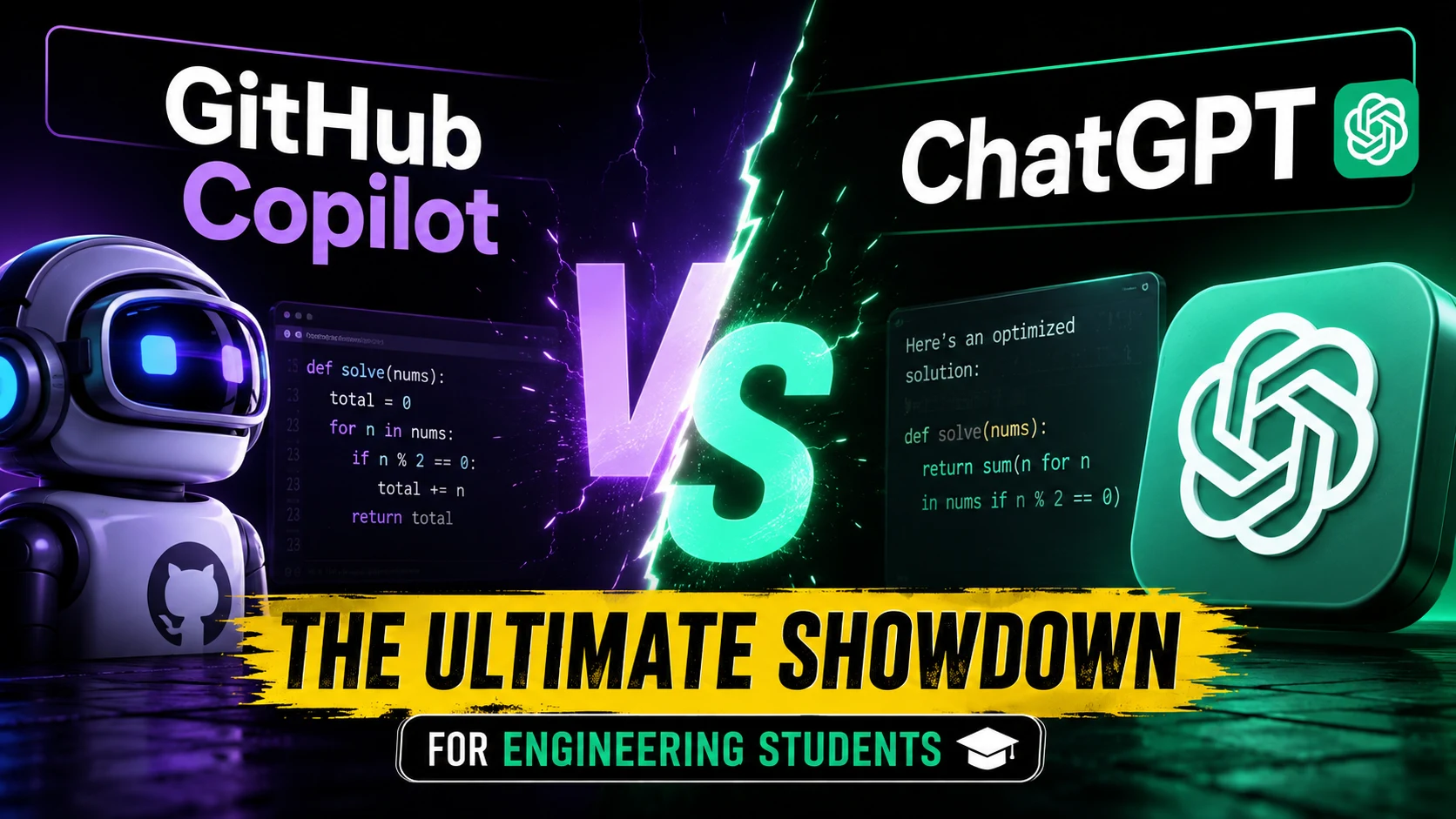
Modern AI coding assistants (like GitHub Copilot, Tabnine, or Gemini Code Assist) live directly inside your IDE. Use them to highlight a specific block of code and hit CMD+I to ask, “Find the memory leak in this loop.” Because the tool already has access to your local workspace, it understands the imports and variables natively, severely reducing the time it takes to hunt down logic errors.
The Takeaway
AI coding assistants are not here to magically fix your application while you sit back and watch. They are high-powered analytical tools that require direction, context, and management. By shifting from a mindset of “write this for me” to “help me analyze this,” you can eliminate the frustrating cycle of debugging AI hallucinations.
Call to Action: The next time you hit a wall with a bug, don’t ask your AI to write the fix. Ask it to explain the error and propose three different debugging strategies. You might find that the fastest way to solve a problem is by slowing down the prompt.
Also Read Free vs. Paid Tools—Which Actually Saves You Money in 2026?