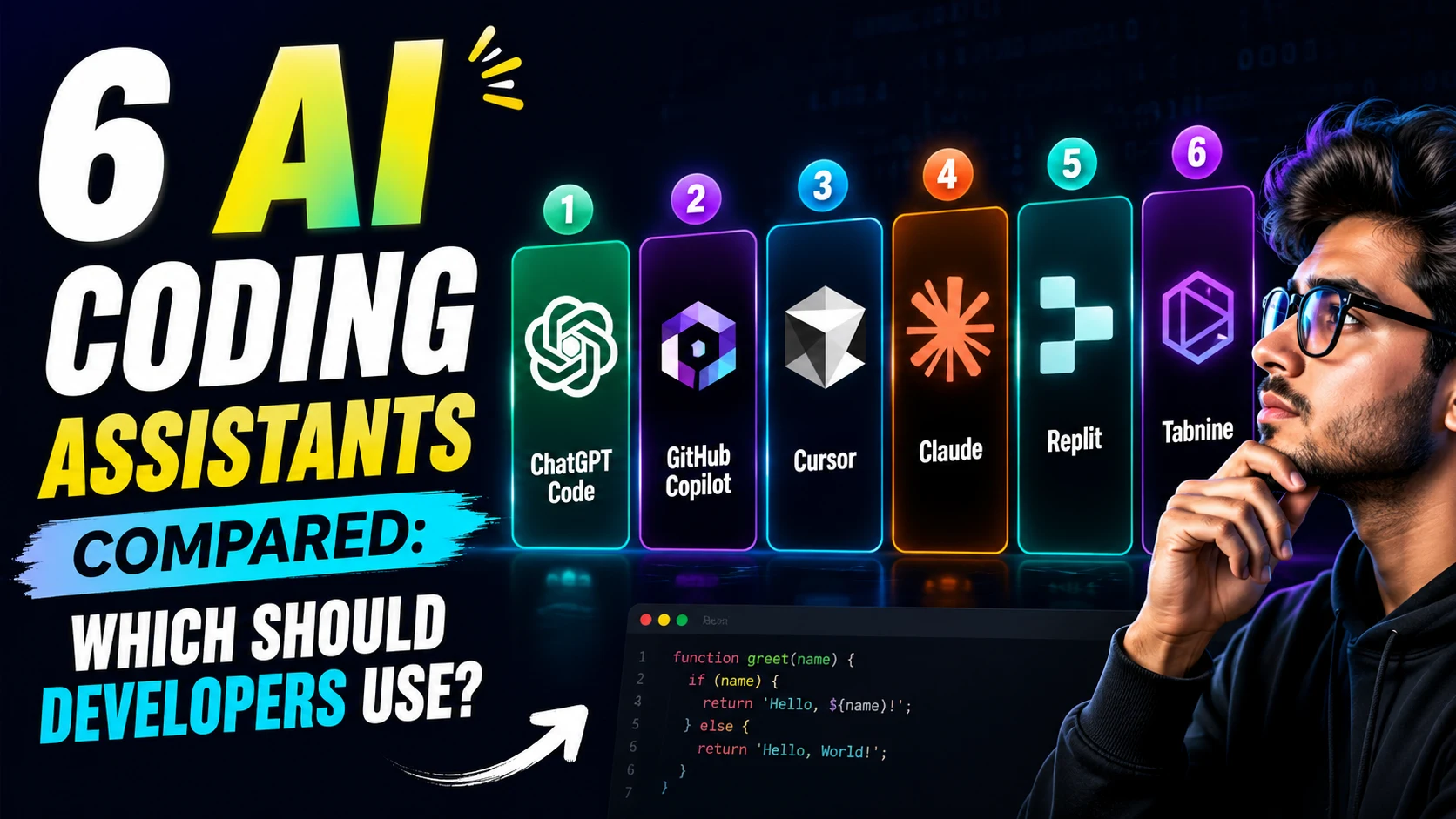
This guide cuts through the noise, comparing the top AI coding tools based on real-world capabilities, to help you find the right fit for your software development workflow.
1. Cursor: The Heavyweight for Complex Projects
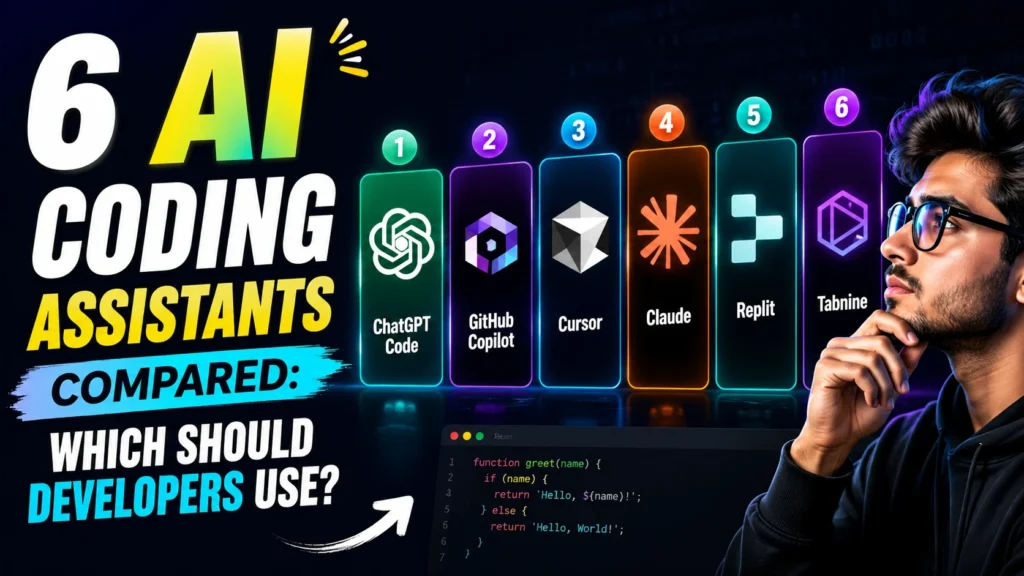
Cursor has effectively become the benchmark for what an AI-native IDE should be. Built as a fork of VS Code, it doesn’t just sit in your editor; it is your editor.
Why it stands out:
- Full Codebase Indexing: Unlike plugins that only “see” open files, Cursor indexes your entire repository. You can ask it to find authentication logic across dozens of files, and it delivers.
- Agentic Capabilities: With its Composer mode, you give Cursor a goal (not just an instruction), and it plans and executes changes across multiple files.
- Multi-Model Backend: Switch seamlessly between Claude (for deep reasoning), GPT-4o (for speed), and Gemini (for long context) depending on the task.
Best for: Developers working on complex, multi-file codebases who need deep reasoning and are willing to pay a premium ($20/month).
2. GitHub Copilot: The Industry Standard
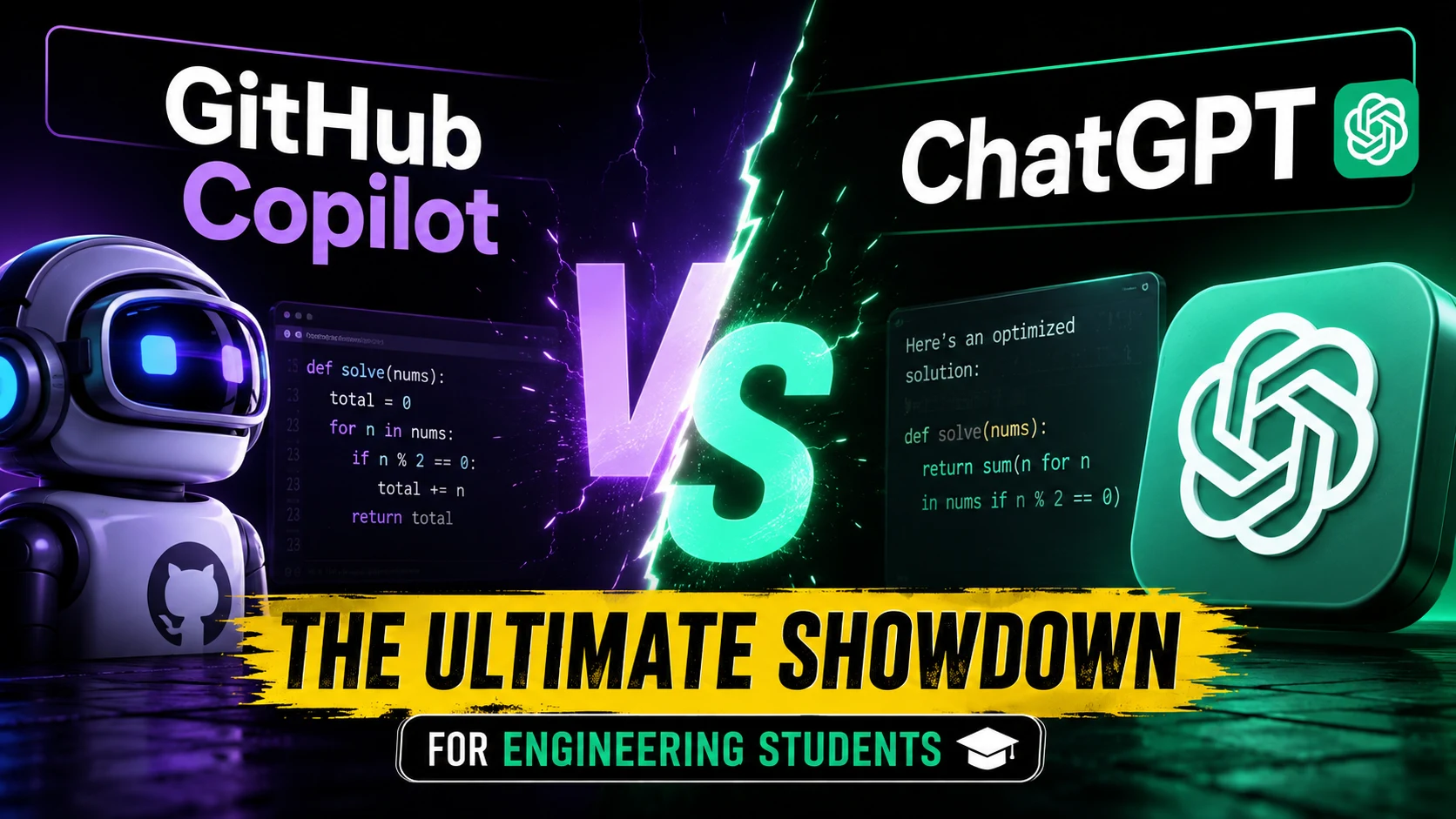
If Cursor is the cutting edge, GitHub Copilot is the reliable workhorse. Backed by Microsoft and deeply integrated into the GitHub ecosystem, it remains the most widely adopted AI coding tool.
Why it stands out:
- Universal Integration: It works everywhere—VS Code, Vim, and critically, all JetBrains IDEs (IntelliJ, PyCharm, etc.). If your team uses JetBrains, Copilot is the default choice.
- Enterprise Trust: Copilot Enterprise offers the security, compliance, and customization features that Fortune 100 companies demand.
- Frictionless Flow: It excels at low-latency autocomplete, allowing developers to maintain a steady coding flow without interruption.
Best for: Teams requiring broad IDE support (especially JetBrains), enterprise-grade security, and a seamless pair-programming experience ($10-$19/month).
3. Windsurf: The Agentic Challenger
Windsurf, developed by Codeium, is the disruptor offering high-end agentic features at a slightly lower price point ($15/month). Like Cursor, it’s an AI-native VS Code fork, but it approaches tasks with a different philosophy.
Why it stands out:
- Cascade Agent Framework: Windsurf operates in a “flow state,” observing your work and anticipating the next steps, often taking autonomous action without explicit prompting.
- Self-Hosted Options: Crucially for regulated industries, Windsurf offers self-hosted deployments, keeping code entirely on internal infrastructure—a feature Cursor lacks.
- Speed: Codeium’s underlying technology ensures incredibly fast completions.
Best for: Developers who want Cursor-like multi-file capabilities but prioritize value, fast completions, and enterprise-grade privacy controls.
4. Claude Code: The Terminal Mastermind
Not all AI tools live in the IDE. Claude Code is a CLI-first terminal agent that works alongside any editor, designed for the most complex, long-horizon tasks.
Why it stands out:
- Deep Reasoning: Powered by Anthropic’s models, it excels at complex logic and architectural problem-solving.
- Massive Context: With a 1-million token context window, it can ingest and understand enormous codebases.
- Terminal Native: It handles tasks that IDEs struggle with, like bulk refactoring or running complex scripts directly from the command line.
Best for: Senior developers and architects who need deep reasoning for complex refactoring and prefer working from the terminal.
5. Devin: The Autonomous Software Engineer
Devin is in a category of its own. It’s not an assistant; it’s an autonomous agent.
Why it stands out:
- End-to-End Execution: Give Devin a GitHub issue, and it will spin up a sandbox, write the code, run tests, debug failures, and submit a PR entirely on its own.
- High Benchmark Scores: It consistently ranks among the highest in autonomous task completion benchmarks.
Best for: Teams with the budget ($500/month) looking to offload well-defined, complete engineering tasks rather than just getting help writing code.
Key takeaway: Choosing the wrong format is the most common mistake. Don’t just look at benchmark scores; match the tool to how you actually work.
The Verdict: Which Should You Choose?
In 2026, many professional developers are adopting a multi-tool approach: using Cursor or Copilot for daily in-editor work, while keeping Claude Code on hand for complex, architectural problem-solving in the terminal.
Evaluate your team’s primary IDE, budget, and appetite for agentic workflows before committing to a single platform.