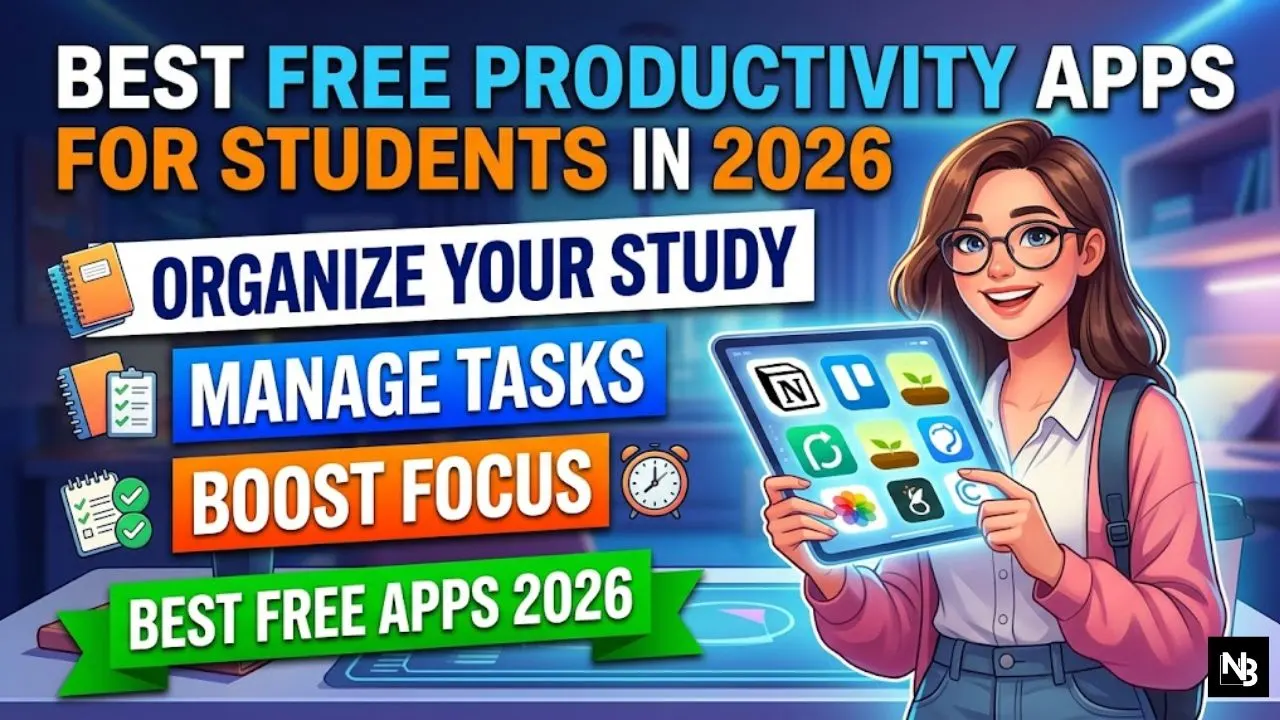
Between back-to-back lectures, mounting assignments, and the pressure of final exams, modern student life often feels like an impossible juggling act. Fortunately, you do not need an expensive tech subscription to regain control of your academic schedule and mental bandwidth. The smartest learners know that the right mix of free productivity apps for students can drastically reduce stress while saving valuable time.
Here is a comprehensive, unbiased look at the most effective digital tools available for students today—and what you need to know about their free tier limitations.
What Makes a Study App Worth Your Time?
Before downloading every tool on the app store, it is crucial to understand what actually drives productivity. A genuinely useful student study app should be intuitive, accessible across multiple devices, and offer its core features without hiding them behind a paywall.
There is no perfect piece of software that does everything flawlessly. Instead of seeking a mythical all-in-one solution, the most effective strategy is to build a digital toolkit: one app for tracking tasks, one for taking notes, and another for managing your daily schedule.
Best Student Productivity Apps That Actually Help
1. Notion: The Ultimate Note-Taking App for Students
Notion has evolved into a powerhouse for academic organization, allowing users to build custom workspaces, track syllabi, and collaborate on group projects. For instance, an undergraduate can build a single dashboard that tracks all their essay deadlines while simultaneously housing detailed lecture notes for each module.
- What it does well: It acts as a highly customizable digital canvas where you can create databases, embed reading lists, and draft long-form essays.
- The free perk: Notion is robustly free for personal use. Furthermore, students with a verified university email address can access the Plus Plan for Education entirely free, which unlocks unlimited file uploads and 30-day page history.
- Honest limitation: Notion is incredibly powerful, but it has a notoriously steep learning curve. Setting up a workspace from scratch can feel overwhelming for beginners who just want a simple list.
2. Todoist: A Fast, Free Task Manager for Students
When you remember an assignment due tomorrow while walking to class, you need an app that captures it instantly. Todoist acts as a reliable digital inbox to ensure nothing slips through the cracks.
- What it does well: Its natural language processing is brilliant. Typing “Submit biology paper every second Thursday” automatically sets the correct date, time, and recurrence.
- The free perk: The beginner tier provides solid cross-platform syncing and supports up to 5 personal projects—usually enough to separate “School,” “Work,” and “Personal.”
- Honest limitation: The free plan caps you at 5 projects and, crucially, does not include push reminders. To get deadline alerts or calendar views, you have to upgrade to the Pro tier.
ALSO READ How to Use ChatGPT for Study Notes and Assignments: A Smart Student’s Guide
3. Google Calendar: The Essential Study Planner App
While it may seem obvious, Google Calendar remains the undisputed king of time management and time-blocking for higher education.
- What it does well: It allows you to visually map out your week, color-code your lectures, block out dedicated hours for deep work, and seamlessly integrate your university timetable.
- The free perk: It is 100% free, syncs across every device imaginable, and integrates with almost every other productivity app on the market.
- Honest limitation: Google Calendar is strictly a scheduling tool. It is not designed to hold detailed lecture notes or manage complex, multi-step projects.
4. Quizlet: The Go-To for Active Recall
For subjects that require heavy memorization—like anatomy, law, or foreign languages—Quizlet remains a staple study tool.
- What it does well: It allows you to create digital flashcards, test your active recall, and access millions of pre-made study sets created by other users worldwide.
- The free perk: Basic flashcard creation, community set access, and standard study modes are free to use.
- Honest limitation: Over the last few years, Quizlet has aggressively paywalled its best features. Advanced study modes, offline access, and new AI-powered tutoring tools are now locked behind a Quizlet Plus subscription.
5. Canva: The Visual Presentation Savior
Whether you are designing a slide deck for a seminar or creating a poster for a student club, Canva has largely replaced traditional desktop software for undergraduates.
- What it does well: It offers thousands of professional templates that make group presentations look polished with minimal graphic design skills required.
- The free perk: Real-time collaboration is free, making group work significantly less painful. The free tier includes an enormous library of templates and basic graphics.
- Honest limitation: Premium stock photos and advanced editing features (like the background remover tool) require a Canva Pro account.
App Comparison at a Glance
| App | Strongest Feature | Best Used For | Free Plan Limitation |
| Notion | Custom databases | Note-taking and project planning | Steep learning curve |
| Todoist | Quick task entry | Daily to-do lists | No push reminders |
| Google Calendar | Visual scheduling | Time-blocking classes | Not a task manager |
| Quizlet | Active recall | Memorizing terminology | Advanced modes paywalled |
| Canva | Pre-built templates | Group presentations | Premium assets locked |
The Takeaway: Build Your System
The secret to academic success is not about finding one perfect piece of software; it is about combining tools that cover your blind spots. Rely on a study planner app like Google Calendar to tell you when you are studying, use a free task manager for students like Todoist to track what you are studying, and keep your materials organized in a note-taking app for students like Notion.
Your next step: Take 15 minutes today to audit how you currently track your work. Pick just one area where you are dropping the ball—whether it is forgetting deadlines or losing your notes—and download the single app that solves that specific problem. Start small, stay consistent, and let the software do the heavy lifting.