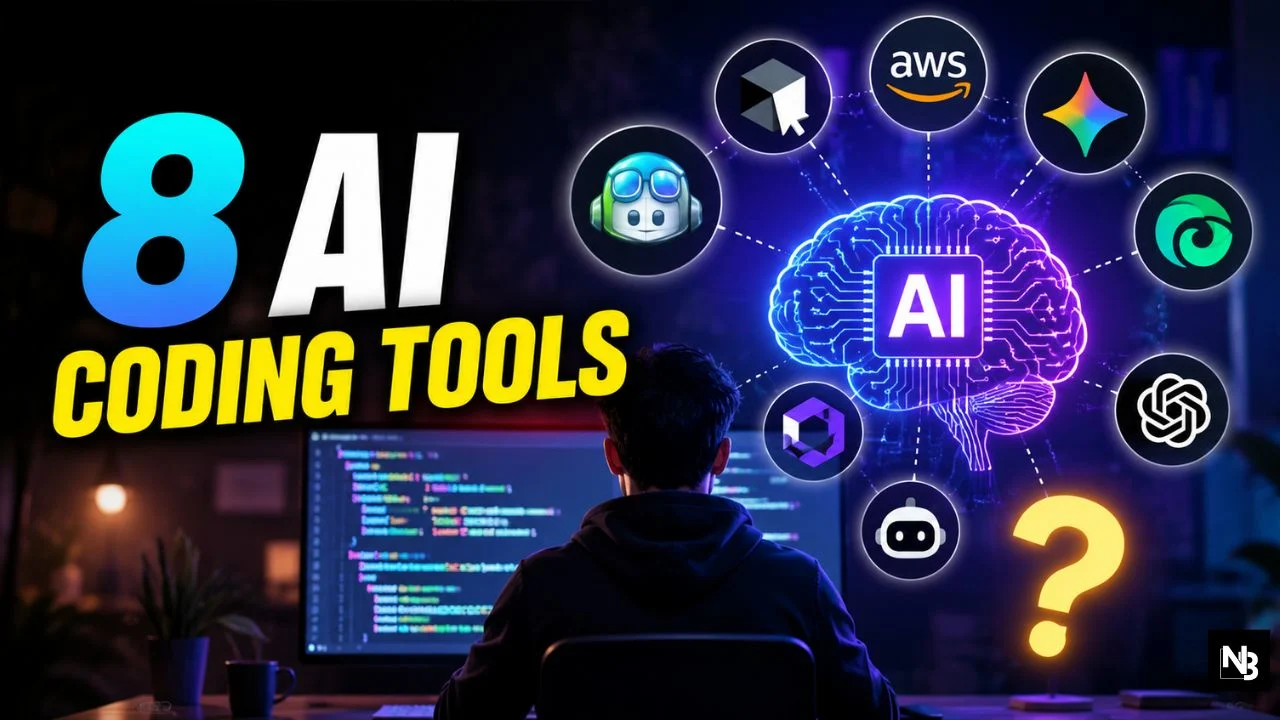
Writing code is no longer just about typing syntax. Today’s developers are collaborating with AI that can explain complex code, refactor entire projects, generate tests, fix bugs, and even complete multi-file tasks with minimal human input.
The rise of AI coding assistants has fundamentally changed software development. Whether you’re a beginner learning Python or a senior engineer managing enterprise applications, choosing the right AI coding tool can significantly improve productivity—provided you know each tool’s strengths and limitations.
Why AI Coding Assistants Are Becoming Essential
AI-powered coding assistants have evolved far beyond simple autocomplete. Modern tools can:
- Generate production-ready code
- Explain unfamiliar codebases
- Detect bugs before deployment
- Write documentation automatically
- Suggest performance improvements
- Create unit and integration tests
- Refactor large projects across multiple files
Industry adoption has accelerated rapidly. According to recent developer surveys, most software developers either use AI coding assistants regularly or plan to adopt them, although many still verify AI-generated code rather than accepting it blindly.
1. GitHub Copilot: The Most Reliable All-Rounder
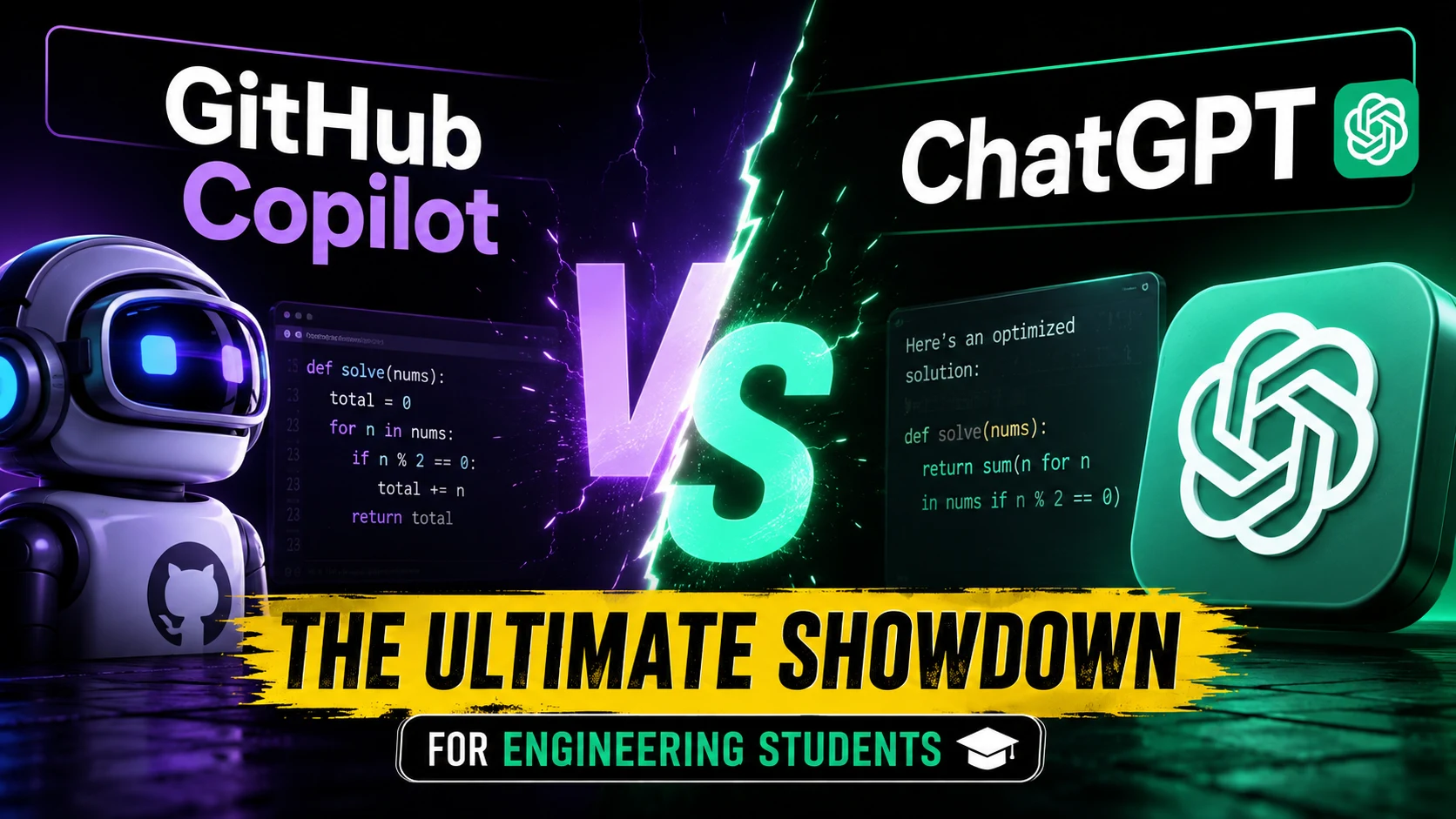
GitHub Copilot remains one of the safest recommendations for developers working across different programming languages and IDEs.
Why developers choose it:
- Excellent code completion
- Native integration with Visual Studio Code
- Works with multiple AI models
- Strong GitHub ecosystem support
- Enterprise-grade security controls
Copilot particularly shines for teams already using GitHub repositories and pull-request workflows. Microsoft has also expanded Copilot’s capabilities by integrating additional AI agents, including Claude and Codex, allowing developers to choose the best model for different coding tasks.
2. Cursor: Built for AI-First Development
Cursor has quickly become one of the most popular AI-native IDEs among professional developers.
Its standout features include:
- Deep understanding of entire codebases
- Multi-file editing
- Intelligent refactoring
- Natural language coding
- Agent-based workflows
Rather than acting as an assistant inside another editor, Cursor is designed around AI from the ground up. Its latest updates focus on autonomous coding agents capable of handling larger development tasks with minimal supervision. (WIRED)
3. Claude Code: Best for Complex Reasoning
When projects involve architecture decisions, debugging large systems, or extensive refactoring, Claude Code has become a preferred option.
Developers appreciate it for:
- Long context windows
- Strong reasoning abilities
- Excellent documentation generation
- Complex code explanations
- Large-scale project analysis
Independent comparisons consistently place Claude Code among the strongest performers for sophisticated engineering workflows rather than simple code completion.
4. Google Gemini Code Assist
Google’s Gemini Code Assist is particularly attractive for developers already working within Google’s ecosystem.
Key strengths include:
- Cloud development integration
- Code explanations
- AI-powered debugging
- Workspace compatibility
- Support for multiple programming languages
Its capabilities continue to improve as Google expands Gemini across developer tools and cloud platforms.
5. Amazon Q Developer
Amazon Q Developer is designed primarily for cloud-native development.
It performs especially well for:
- AWS infrastructure
- Cloud deployment
- Security recommendations
- Serverless applications
- Enterprise environments
For organizations heavily invested in AWS, Amazon Q provides context-aware assistance that understands cloud architecture and deployment workflows.
6. Windsurf
Windsurf has gained popularity by combining affordability with powerful AI capabilities.
Developers often praise it for:
- Fast code generation
- User-friendly interface
- Competitive pricing
- AI agent workflows
- Smooth onboarding experience
Many developers consider Windsurf one of the best value-for-money AI coding assistants currently available.
7. Tabnine
Privacy remains a major concern for many software companies, and Tabnine addresses this directly.
Its advantages include:
- Privacy-focused deployment
- Local model options
- Enterprise customization
- Team collaboration features
Organizations handling sensitive codebases frequently evaluate Tabnine because it offers greater control over data handling compared to cloud-only solutions.
8. ChatGPT for Coding
Although not a dedicated IDE, ChatGPT remains one of the most versatile programming assistants.
Developers commonly use it for:
- Learning new frameworks
- Algorithm explanations
- Debugging errors
- Code reviews
- Architecture discussions
- Documentation writing
Instead of replacing specialized coding tools, ChatGPT often complements them by serving as an interactive technical mentor.
Choosing the Right AI Coding Assistant
There is no universal winner. The best choice depends on your workflow.
- Beginners: GitHub Copilot or ChatGPT
- Professional software engineers: Cursor or Claude Code
- AWS developers: Amazon Q Developer
- Google Cloud users: Gemini Code Assist
- Privacy-conscious organizations: Tabnine
- Budget-conscious developers: Windsurf
Many experienced developers now combine multiple AI tools rather than relying on a single assistant. For example, developers often use Copilot for real-time suggestions, Cursor for project-wide editing, and Claude Code for architectural reasoning.
The Future of AI-Assisted Programming
AI coding assistants are rapidly evolving from autocomplete engines into autonomous software agents capable of planning, writing, testing, and maintaining applications. Recent industry developments—from GitHub expanding multi-model AI support to growing competition among Cursor, Claude Code, and other platforms—highlight how quickly this space is advancing.
However, AI is not replacing developers. It is eliminating repetitive work, accelerating development cycles, and allowing engineers to focus on solving complex problems. Human judgment remains essential for reviewing code quality, security, performance, and business logic.
Final Takeaway
The most productive developers in 2026 are not those who rely entirely on AI—they are the ones who know when to trust it, when to question it, and how to integrate multiple AI coding assistants into their workflow. If you’re looking to improve your productivity, start by experimenting with one or two tools that match your development environment, measure their impact on your daily coding tasks, and always review AI-generated code before shipping it to production.
ALSO READ 50 ChatGPT Prompts That Will Literally Save You Hours Every Week